
PDF Reader Pro at a Glance
What Is PDF Reader Pro?
PDF Reader Pro is a PDF software application built around a broader document workflow rather than simple PDF viewing.
Its current feature set covers PDF editing, conversion, annotation, OCR, page organization, forms, signing, compression, security and AI-assisted document workflows.
That makes it relevant for users who regularly need to modify or process PDFs rather than simply open and read them.
PDF Reader Pro Features
Edit PDF
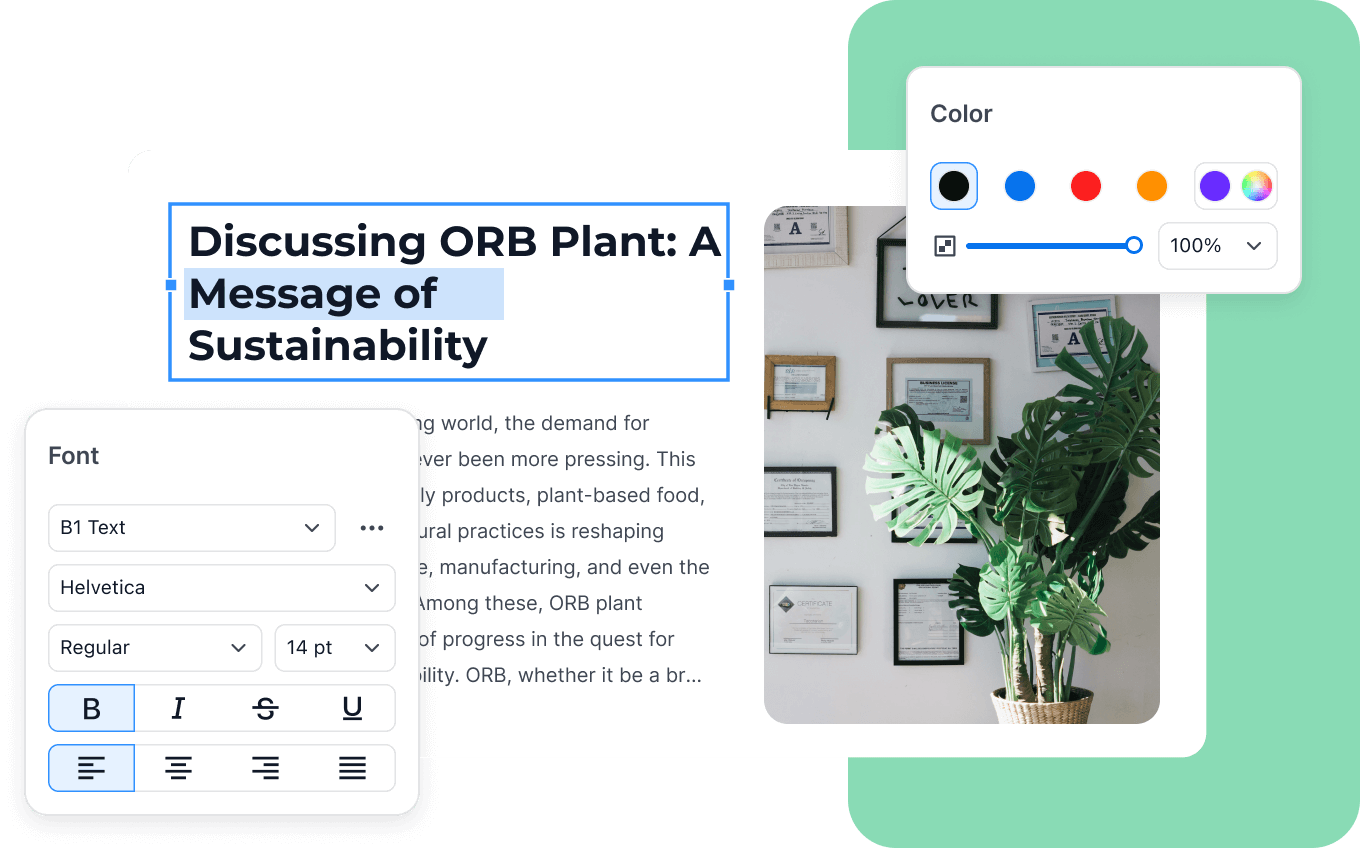
Edit text, change formatting, add or remove content and work with PDF images.
Convert PDF
Convert PDFs to Word, Excel, PowerPoint, images, text and other supported formats.
OCR
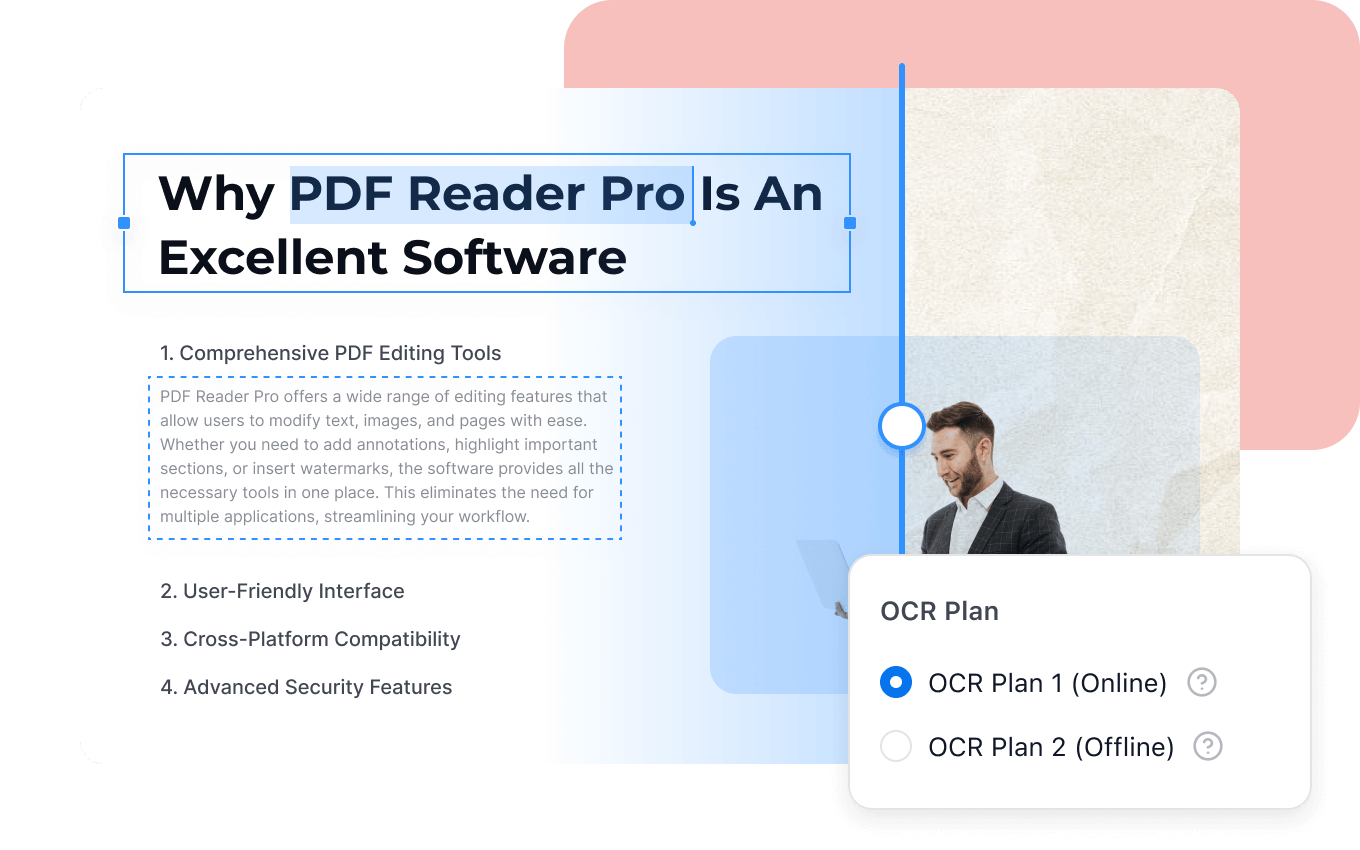
Recognize scanned documents and turn image-based PDFs into searchable or editable content.
Annotate PDF
Highlight, underline, add notes, stamps and other annotation elements.
Organize Pages
Insert, delete, extract, rotate, replace, split and merge PDF pages.
Forms & Signing
Create, fill and sign forms with electronic and digital signature features.
Compression
Compress documents and manage file size as part of the PDF workflow.
PDF Security
Protect files with permissions, redaction, encryption and password-related controls.
PDF Reader Pro PDF Editing
PDF Reader Pro is designed to let users edit PDF content without leaving the document workflow. Text can be added, deleted, modified and formatted.
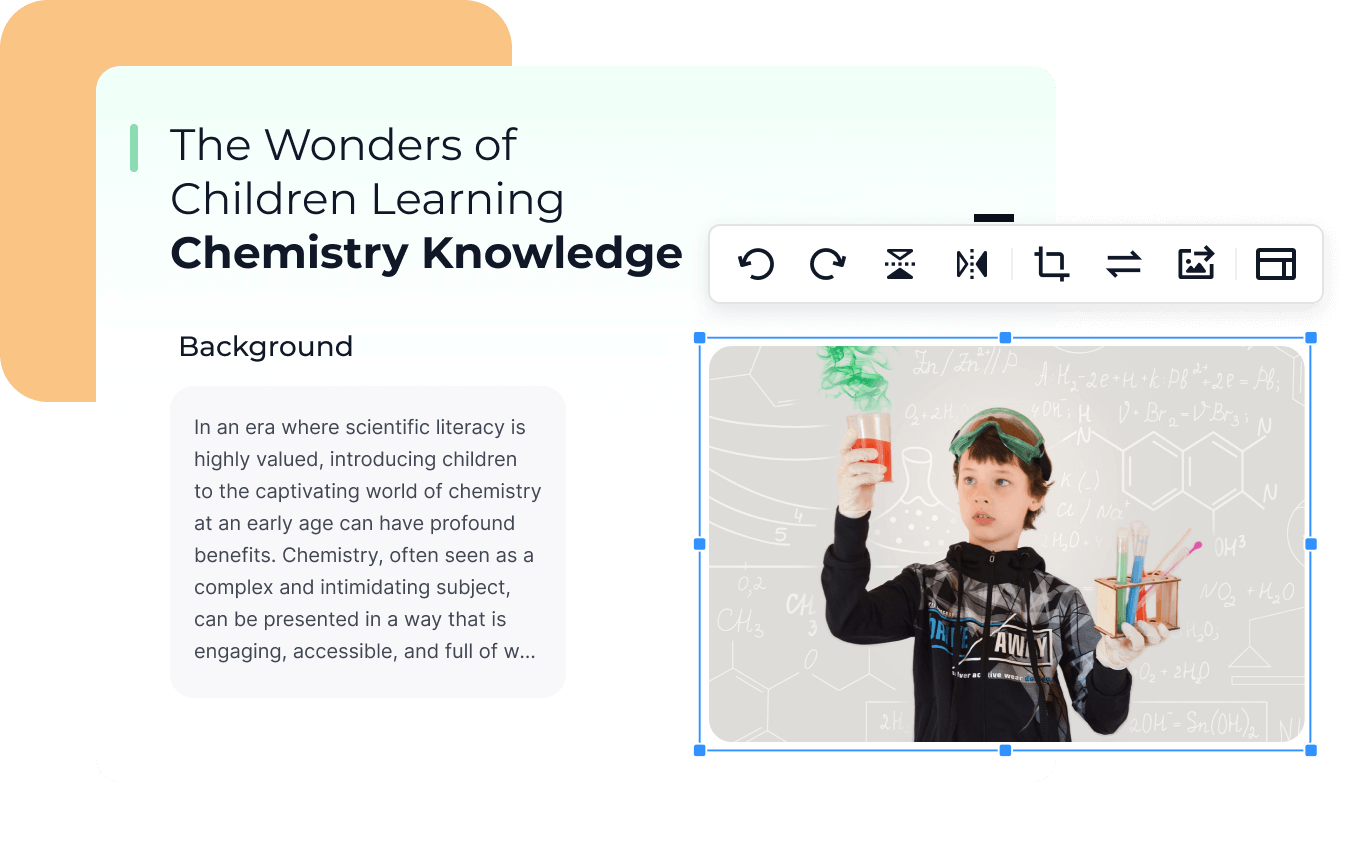
The editor also supports working with images, headers, footers, watermarks, backgrounds and links inside PDF documents.
For larger documents, page management adds tools for inserting, extracting, replacing, splitting, merging and rearranging pages.
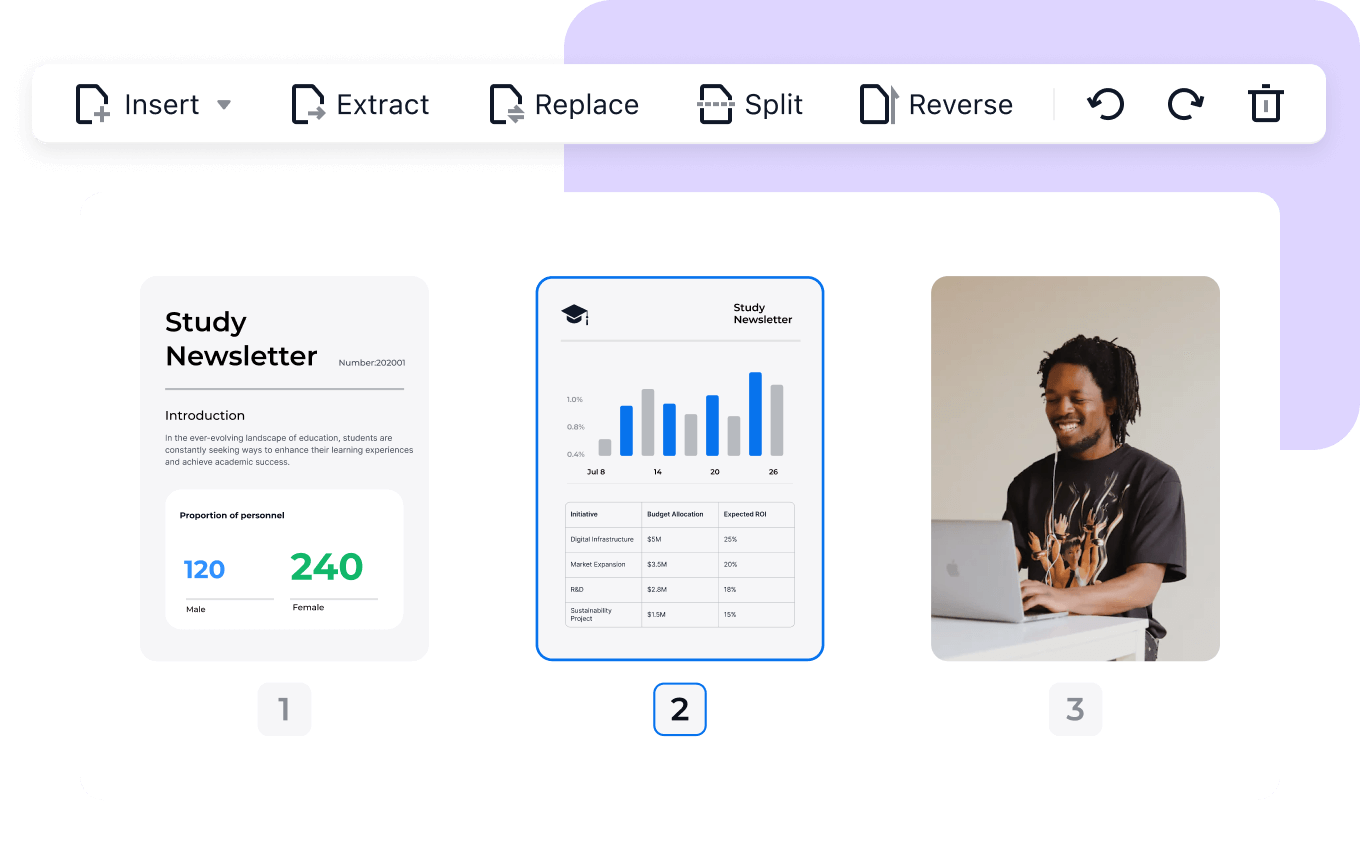
Page management features include inserting, extracting, replacing, splitting and rearranging PDF pages.
PDF Reader Pro AI Assistant
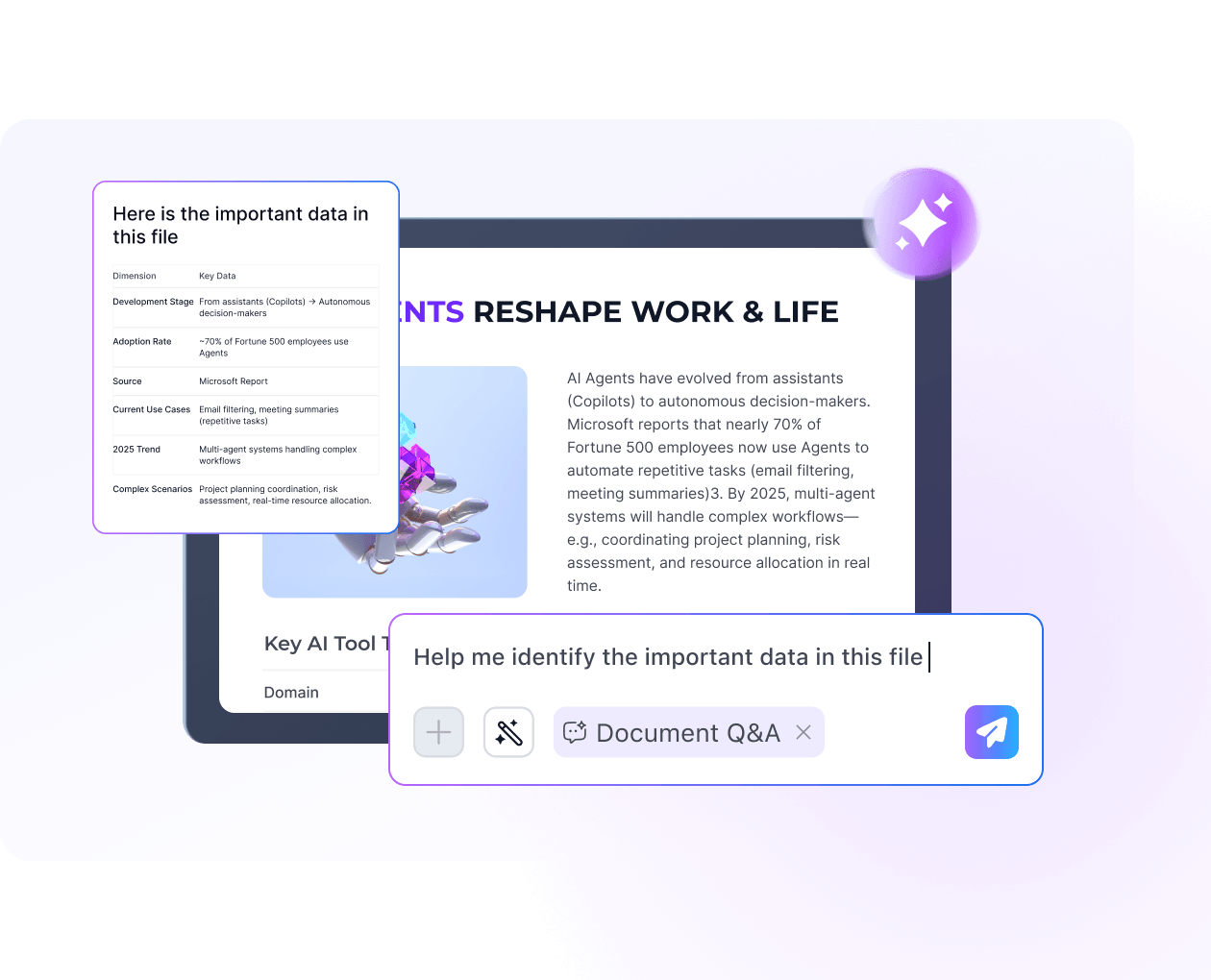
The current AI Assistant adds document-focused workflows to PDF Reader Pro. Instead of manually searching every page, users can interact with documents through AI-powered tasks.
Ask questions directly about document content.
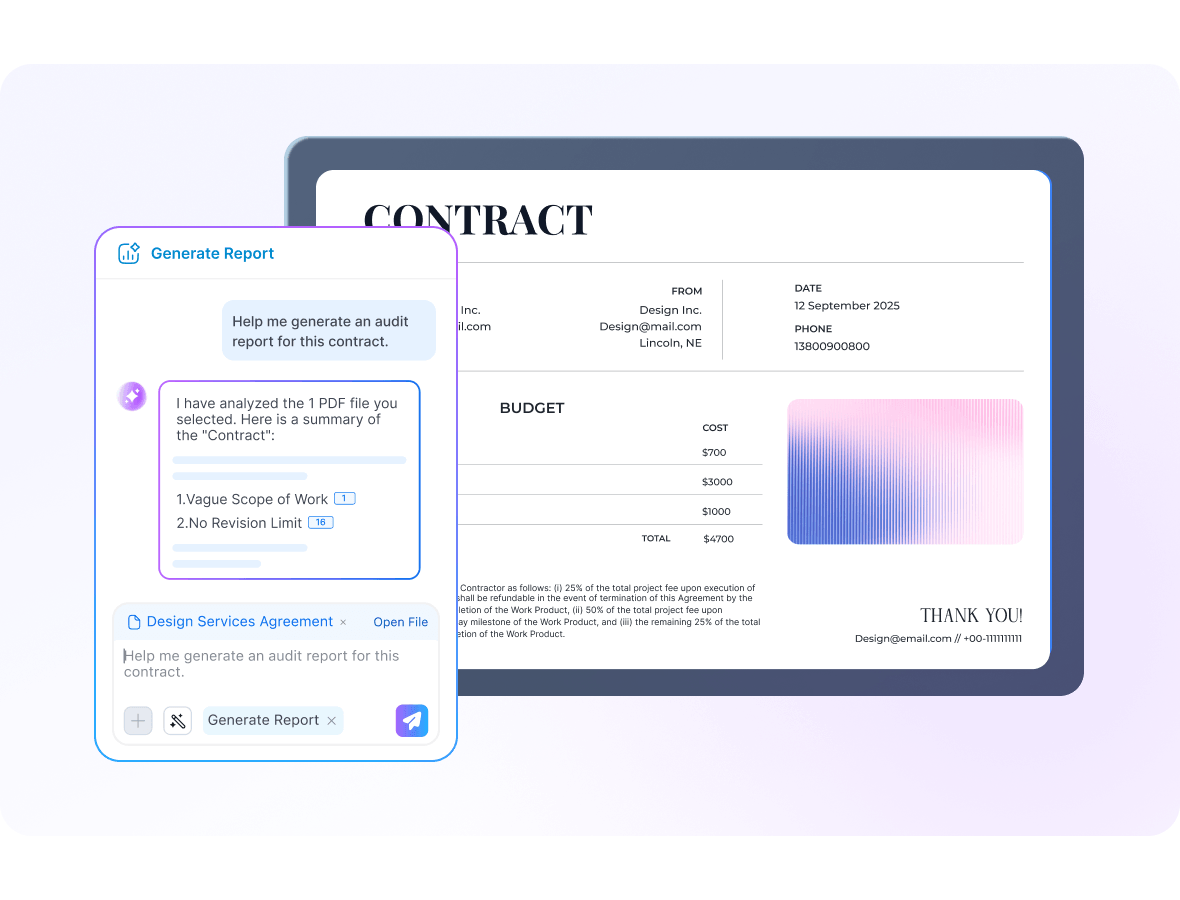
Turn long PDFs into structured reports.
Extract content, numbers and tables.
Work with full-document translation.
Surface risky or unusual clauses.
Surface sensitive information and risks.
AI Report Generation & Data Extraction
PDF Reader Pro's current AI tools are not limited to chat. The platform also provides structured document workflows such as report generation and data extraction.
Report Generation can turn long PDF documents into summaries with key takeaways, important figures, highlights, risks and next-step suggestions.
Data Extraction is designed to pull useful content, numbers, tables and repeated patterns into structured output.
PDF Reader Pro OCR
OCR is one of the core features for people who work with scanned or image-based PDF files.
PDF Reader Pro can recognize text from scanned documents and convert image-based PDFs into searchable or editable files.
The current OCR documentation lists support for 90+ languages, including Arabic, and provides both Page OCR and Area OCR workflows.
- Scanned PDF to editable content
- Full-page OCR
- Area OCR
- 90+ languages
- Arabic OCR support
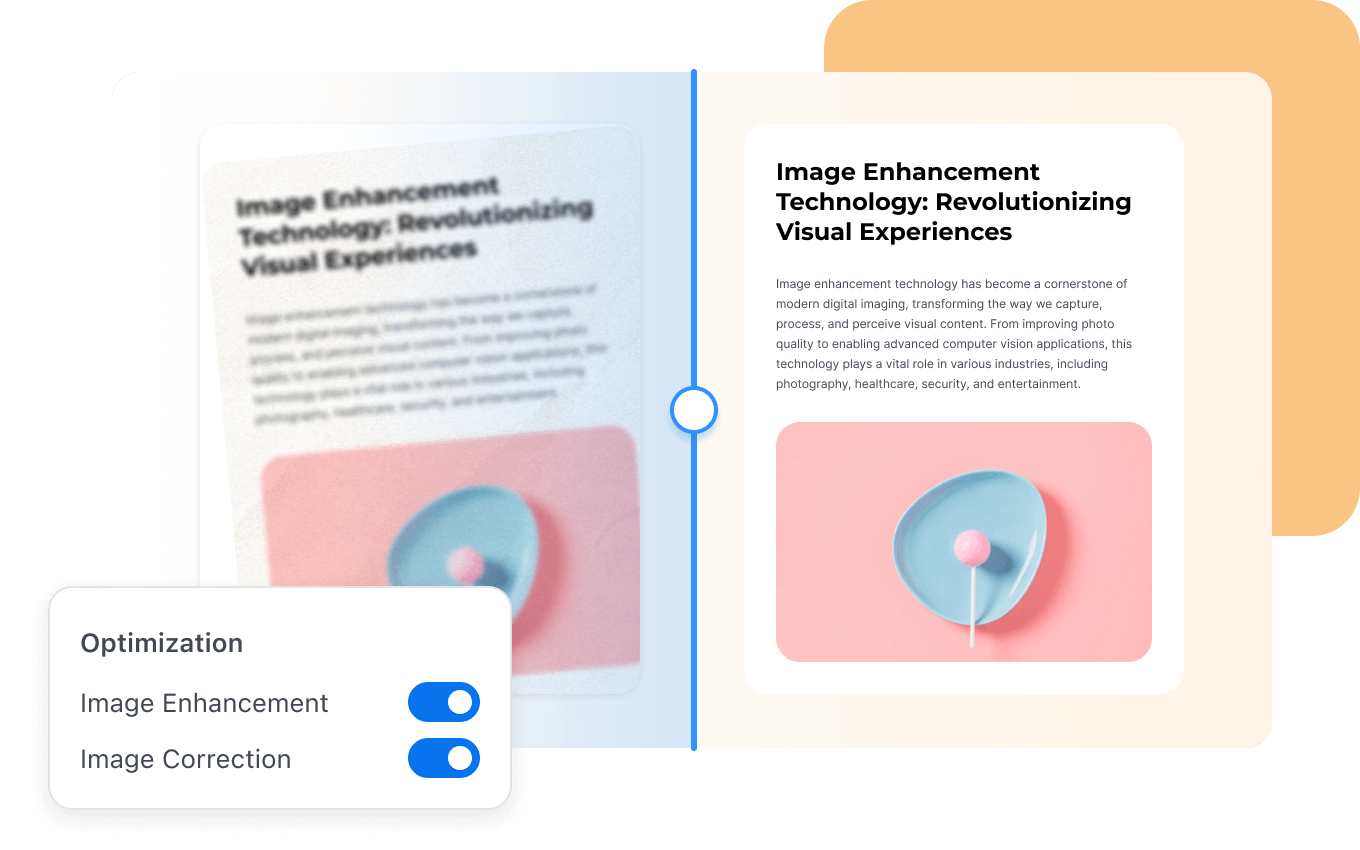
- Image enhancement and correction
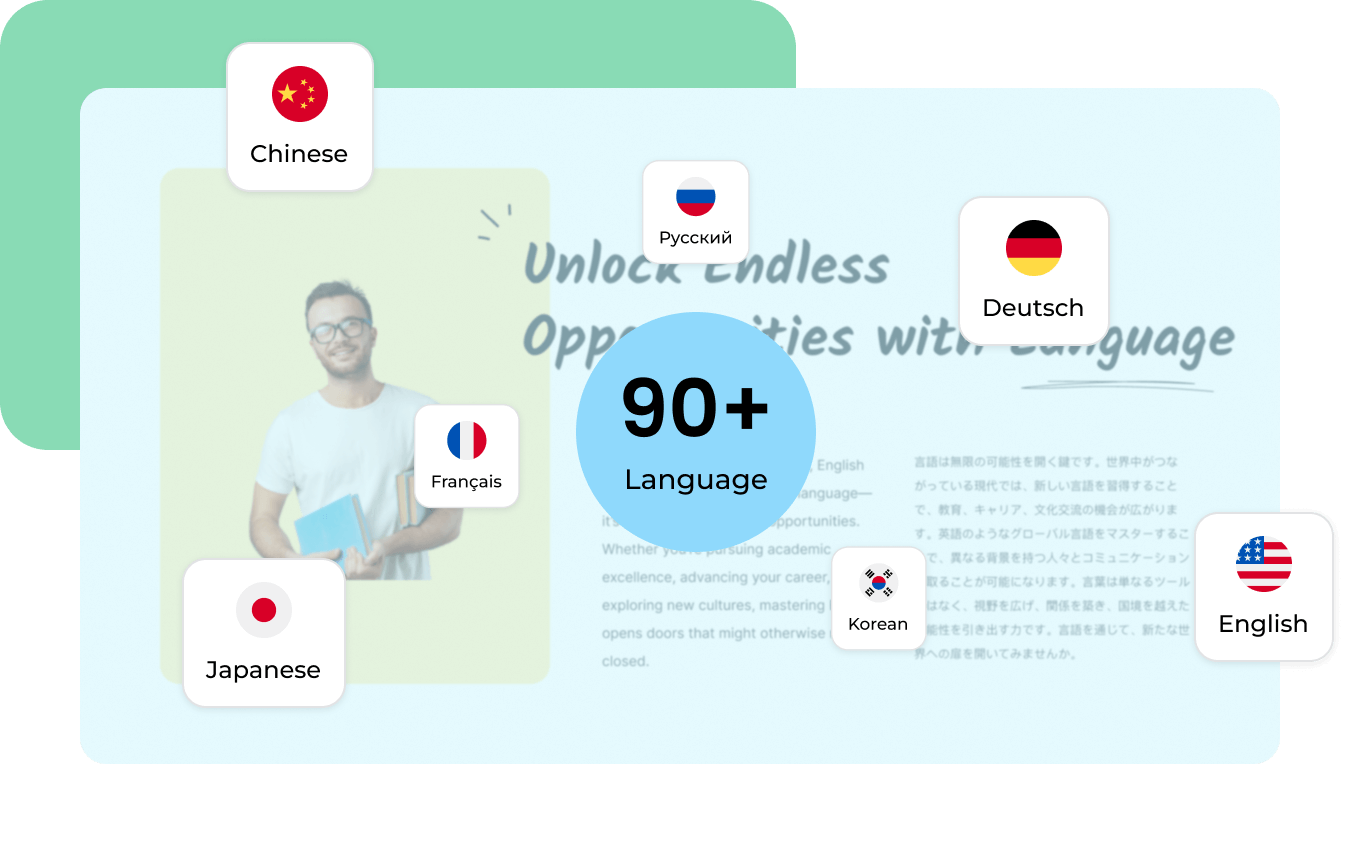
PDF Reader Pro currently advertises OCR support for more than 90 languages, including Arabic.
PDF Conversion
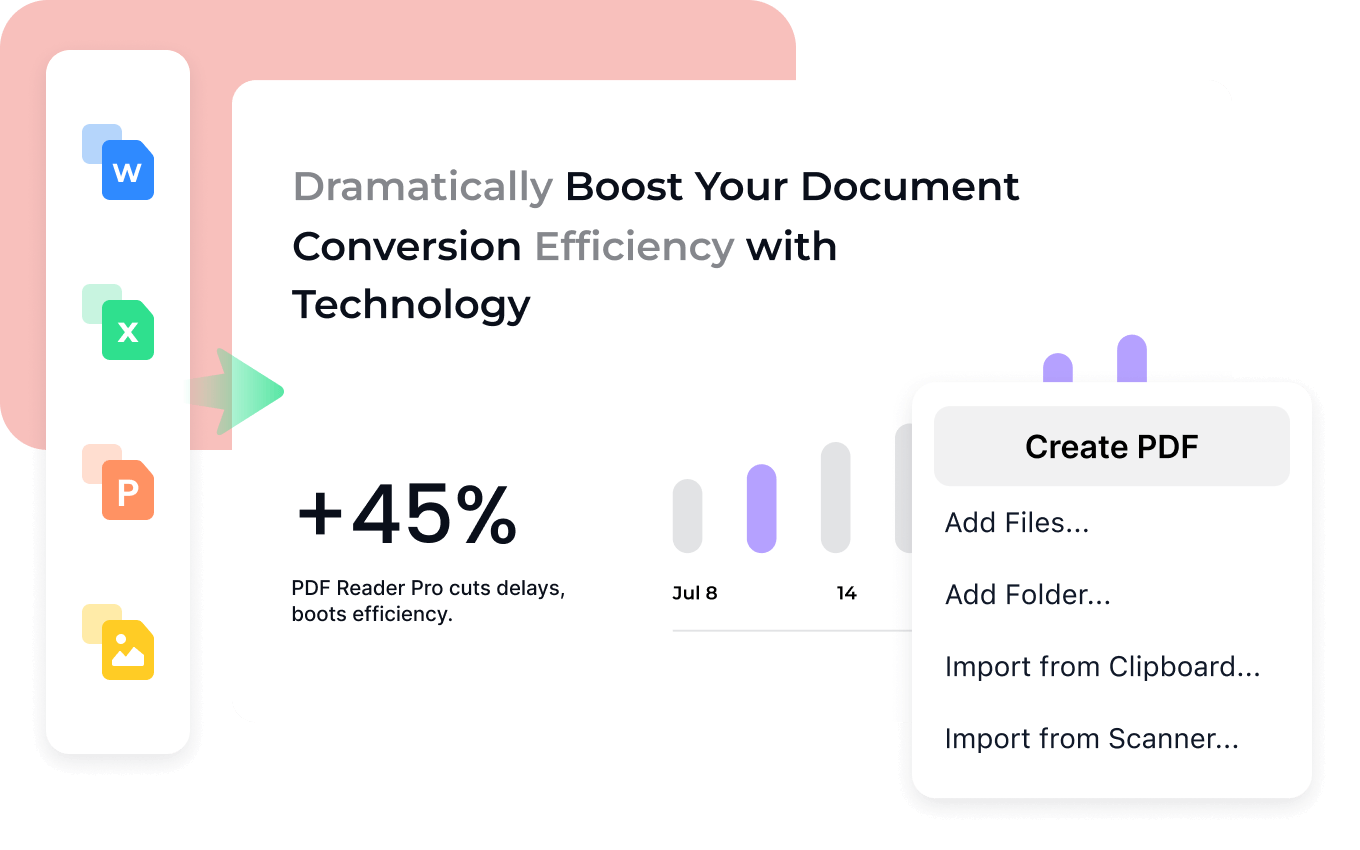
PDF Reader Pro includes conversion workflows for moving content between PDF and other common document formats.
Annotate PDF Documents
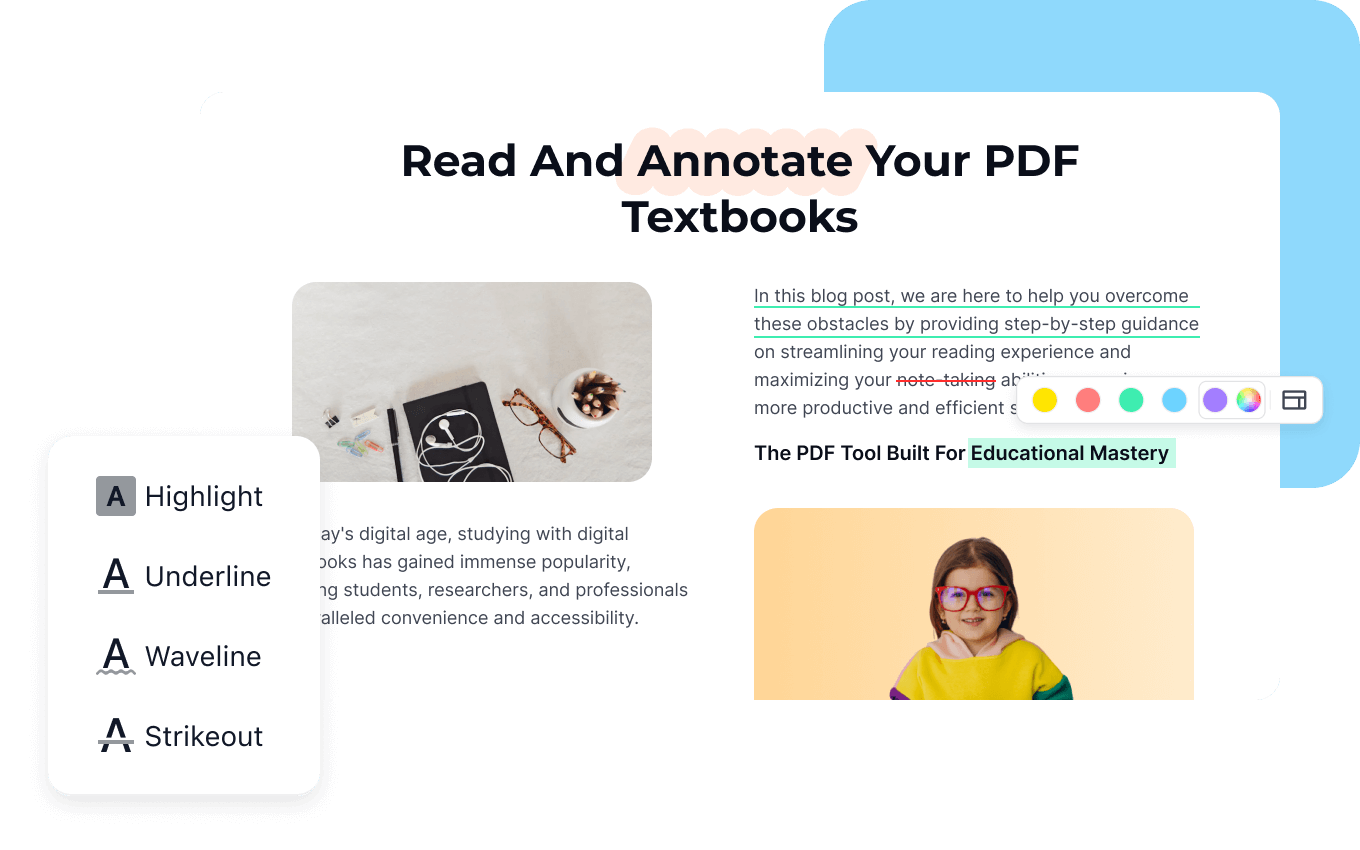
PDF Reader Pro provides annotation tools for reviewing and marking up PDFs. These are useful for study materials, reports, business documents and other files where highlighting and comments are part of the workflow.
Fill, Sign & eSign PDFs
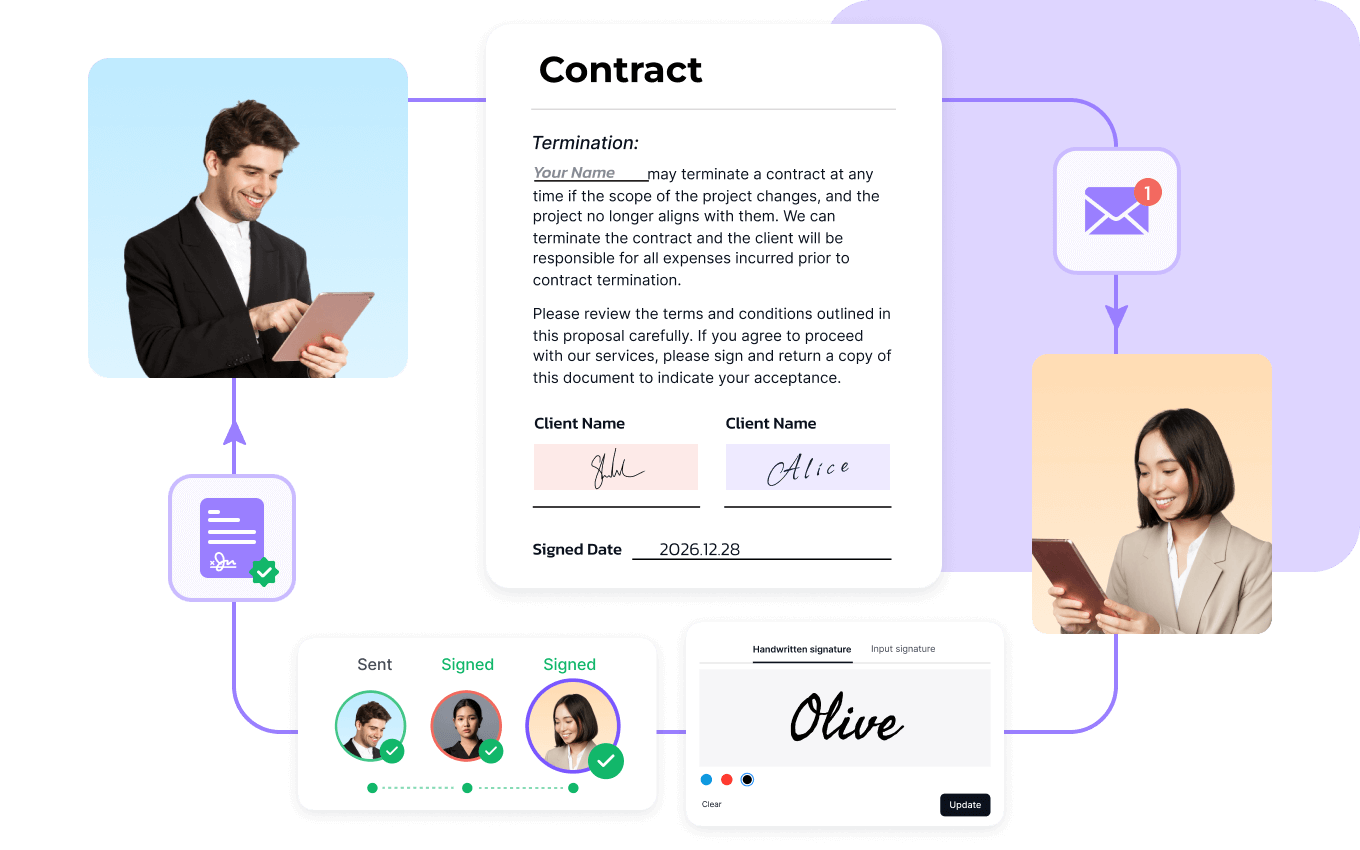
PDF Reader Pro includes tools for creating and filling PDF forms, adding signatures and handling electronic signing workflows.
Need More Than a Basic PDF Reader?
Explore PDF Reader Pro's editing, OCR, conversion, AI and signing workflows.
Try PDF Reader ProPDF Reader Pro for Windows, Mac, iPhone & Android
PDF Reader Pro currently provides versions for Windows, macOS, iOS and Android. The AI Assistant is currently available on Windows and Mac rather than mobile devices.
Desktop PDF workflow
Desktop PDF workflow
Mobile PDF tools
Mobile PDF tools
A Typical PDF Reader Pro Workflow
Read and review your PDF.
Convert scanned content when necessary.
Change text, images or page structure.
Ask questions, summarize or review.
Fill and sign forms.
Export, save or share.
PDF Reader Pro Pricing
PDF Reader Pro currently offers a free version plus annual and permanent licensing options. Pricing shown below reflects the current official store information.
| Plan | Price | Devices | Main Notes |
|---|---|---|---|
| Free Version | $0 | Limited | Selected PDF features |
| Standard Annual | $56.99 displayed* / $59.99 billed yearly | Up to 4 devices | Annual membership |
| Advanced Annual | $79.99/year | Up to 4 devices | Advanced membership |
| Permanent | $99.99 one-time | 1 device | Lifetime access on Mac or Windows |
*The official store currently displays a promotional $56.99 figure for Standard while also stating that it is billed yearly at $59.99. Pricing and promotions can change.
PDF Reader Pro AI Pricing
The current AI subscription is separate from the main PDF membership and is based on AI credits.
AI credits reset at the end of the applicable billing cycle.
How PDF Reader Pro AI Credits Work
AI tasks use credits, and the amount consumed depends on the type of task. The current AI documentation states that the remaining balance is visible in the user's account.
Use AI to ask questions about document content.
Generate structured reports from longer documents.
Extract structured information and tables.
Translate supported document content with AI.
PDF Reader Pro Pros and Cons
Potential Advantages
- Broad PDF editing workflow
- OCR for 90+ languages
- AI document tools
- Conversion tools
- Forms and signatures
- Page organization
- Desktop and mobile versions
Things to Keep in Mind
- AI uses a separate credit system
- Some capabilities vary by plan
- AI Assistant is currently desktop-only
- Permanent licensing is limited to one device
- Pricing and promotions can change
Who Is PDF Reader Pro For?
Who May Not Need PDF Reader Pro?
Someone who only opens PDF files occasionally and never needs editing, OCR, conversion, forms, signatures, annotation or AI features may not need a full PDF application.
The broader feature set becomes more relevant when PDF processing is a recurring part of your daily workflow.
PDF Reader Pro vs Adobe Acrobat
Both products cover comprehensive PDF workflows, but their pricing models, ecosystems and feature details differ.
| Area | PDF Reader Pro | Adobe Acrobat |
|---|---|---|
| PDF Editing | Yes | Yes |
| OCR | Yes | Yes |
| PDF AI | Yes | Yes |
| eSign | Yes | Yes |
| Lifetime Purchase | Available | Depends on current offerings |
The right choice depends on the specific PDF features, pricing structure, platform support and ecosystem you need.
PDF Reader Pro vs Foxit PDF
Foxit is another PDF software option commonly compared with PDF Reader Pro. Compare editing, OCR, annotations, forms, signing, AI capabilities, platform support and pricing when evaluating the two.
PDF Reader Pro Alternatives
Depending on your needs, other PDF software products worth comparing include:
How We Test PDF Software
At PhoneLabs, we aim to evaluate software around practical workflows rather than relying only on promotional claims.
Testing note: This page does not claim first-hand testing results until the product has been independently tested by our editorial team.
Is PDF Reader Pro Worth Trying?
PDF Reader Pro is positioned as a broad PDF workspace rather than a basic reader. Its current toolkit combines editing, conversion, OCR, annotation, page management, forms, signing, security and AI-assisted document workflows.
For users who repeatedly work with PDFs, having these functions in one application can simplify a workflow that would otherwise require multiple tools.
The free version also provides an entry point for evaluating the product before choosing a paid membership or permanent license.
Frequently Asked Questions About PDF Reader Pro
What is PDF Reader Pro?
PDF Reader Pro is a PDF application for reading, editing, converting, annotating, signing, organizing and protecting PDF documents.
Is PDF Reader Pro a PDF editor?
Yes. It includes tools for editing text and images, working with headers and footers, adding watermarks and managing PDF pages.
Does PDF Reader Pro support OCR?
Yes. PDF Reader Pro includes OCR for scanned and image-based PDF documents.
Does PDF Reader Pro support Arabic OCR?
Yes. The official OCR documentation lists Arabic among more than 90 supported languages.
Can PDF Reader Pro convert PDF to Word?
Yes. PDF Reader Pro supports PDF conversion to Word, Excel, PowerPoint, images, text, CSV, HTML and RTF.
Can PDF Reader Pro sign PDFs?
Yes. PDF Reader Pro supports electronic and digital signatures as well as PDF forms.
Does PDF Reader Pro have AI features?
Yes. Current AI features include document Q&A, report generation, data extraction, document translation, contract review and security/compliance workflows.
What can PDF Reader Pro AI do?
PDF Reader Pro AI can answer questions about documents, generate reports, extract structured data, translate documents, review contracts and surface security risks.
Does PDF Reader Pro work on Windows?
Yes. PDF Reader Pro provides a Windows version, and its AI Assistant is available on Windows.
Does PDF Reader Pro work on Mac?
Yes. PDF Reader Pro supports macOS, and its AI Assistant is available on Mac.
Does PDF Reader Pro work on iPhone and iPad?
Yes. PDF Reader Pro provides iOS support for iPhone and iPad.
Does PDF Reader Pro work on Android?
Yes. PDF Reader Pro provides an Android version.
How much does PDF Reader Pro cost?
The current official store lists a Free Version at $0, Standard Annual, Advanced Annual at $79.99/year, and Permanent at $99.99 one-time. The current Standard listing displays $56.99 while stating that the plan is billed yearly at $59.99.
Does PDF Reader Pro have a lifetime license?
Yes. The Permanent plan is currently listed at $99.99 as a one-time purchase for one device on Mac or Windows.
How much does PDF Reader Pro AI cost?
The current AI subscription is listed at $9.99/month for 1,000 AI credits or $79.99/year for 10,000 AI credits.
Do PDF Reader Pro AI credits roll over?
The current AI documentation states that points reset at the end of the applicable billing cycle.
What are the main PDF Reader Pro alternatives?
Common alternatives include Adobe Acrobat, Foxit PDF, Nitro PDF, UPDF and PDF-XChange.
Is PDF Reader Pro better than Adobe Acrobat?
The answer depends on the features, pricing model, ecosystem and workflow you need. A direct comparison should consider the specific capabilities that matter to you.
Ready to Try PDF Reader Pro?
Explore the free version and see whether PDF Reader Pro fits your editing, OCR, conversion, signing and AI document workflow.
Try PDF Reader ProThis page contains affiliate links. PhoneLabs may earn a commission if you purchase through our links, at no extra cost to you.
Explore More on PhoneLabs
Explore AI Tools & Software Reviews
More Software & Productivity category links will be added here as the PhoneLabs site architecture is completed.