
CATEGORY 01
PDF & Document Tools
Find software for editing PDFs, OCR, conversion, annotations, electronic signatures and AI-powered document workflows.
Explore PDF & Document Tools →Explore software for documents, productivity, business workflows, project management, automation, cloud storage and everyday work. Browse by workflow and discover tools that fit the way you work.
Start with the area that matches the type of work you need to manage. New categories will be added as relevant software and verified partner offers are published on PhoneLabs.
Find software for editing PDFs, OCR, conversion, annotations, electronic signatures and AI-powered document workflows.
Explore PDF & Document Tools →Software for planning projects, coordinating teams, tracking deliverables and managing work from idea to completion.
Tools designed to organize tasks, priorities, daily work and personal or team productivity.
Organize notes, documents, research, knowledge bases and information used across your personal or professional workflow.
Software for connecting applications, automating repetitive tasks and building more efficient business workflows.
Explore software for storing, sharing, organizing and managing digital files across devices and teams.
These products are currently connected to the PhoneLabs software ecosystem and have verified partner links available for the site.
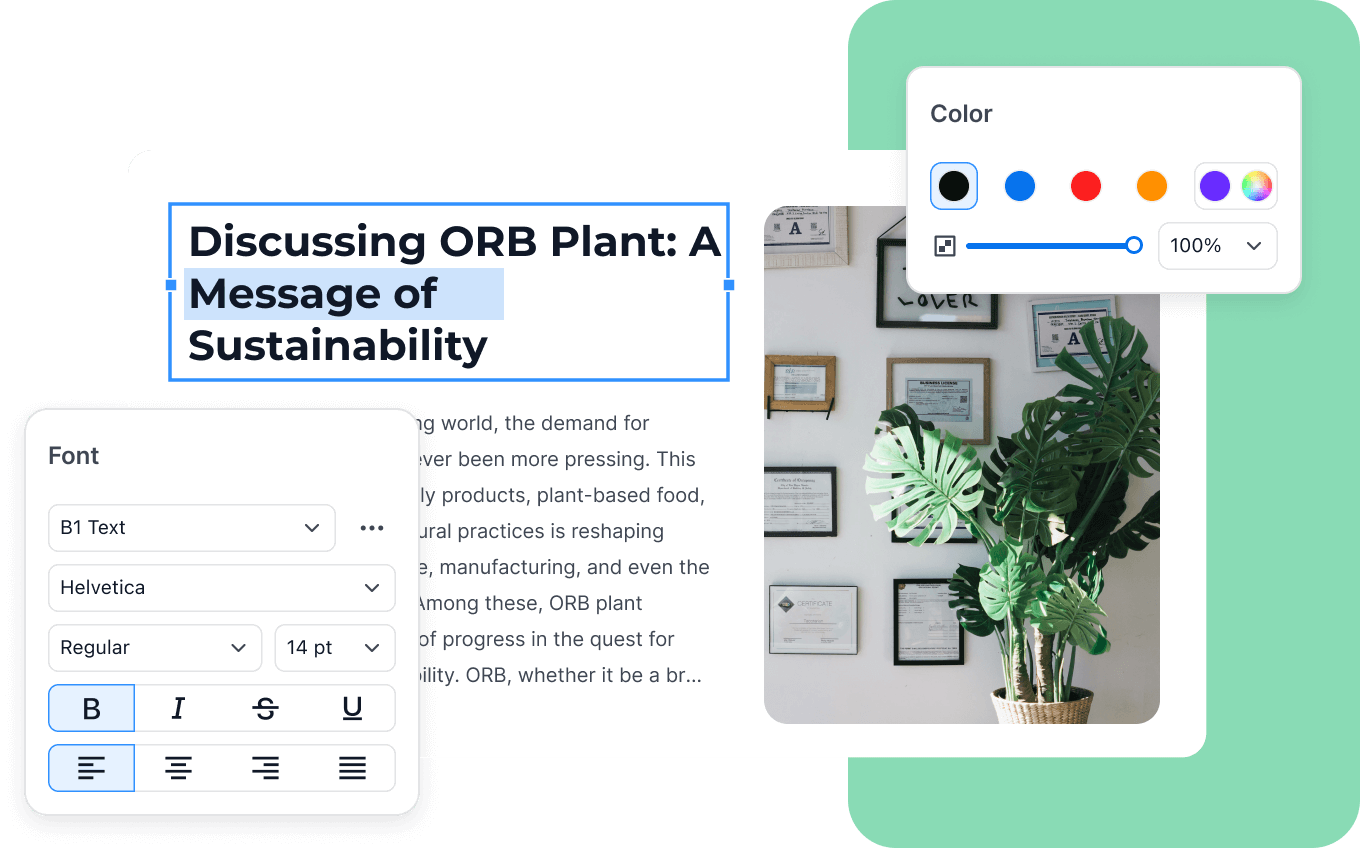
PDF Reader Pro combines PDF editing with tools for OCR, conversion, annotation, electronic signatures and AI-assisted document workflows.
Some software companies offer multiple products covering different workflows. These ecosystems can be useful when several tools are needed across a broader creative or business workflow.
Wondershare operates a broad software portfolio covering video creation, PDFs, diagrams, productivity and device utilities. Its current product ecosystem includes tools such as Filmora, UniConverter, Media.io, PDFelement, HiPDF, EdrawMax, EdrawMind, Recoverit, Dr.Fone and MobileTrans.
A single software company may serve several different search intents. Keeping the PhoneLabs navigation organized by user workflow makes it easier for visitors to find the type of software they actually need.
Products will be placed into the most relevant PhoneLabs category, while broader brand pages can connect related products when that relationship is useful.
Start with the workflow rather than the feature list. A large feature set does not automatically make a product suitable for every type of work.
Define the task or bottleneck you need software to solve.
Narrow the search to documents, tasks, projects, automation, knowledge or another workflow.
Make sure the software fits with the applications and services you already use.
Compare the actual pricing model with the amount of usage and the number of people who need access.
Software is organized around what users need to accomplish instead of creating a large directory of unrelated products.
Reviews and category pages focus on the capabilities that affect real workflows, including integrations, formats, automation and usability.
Affiliate CTAs are added when a relevant partner offer is available, rather than creating money pages around products without a verified monetization path.
New software can be added to the relevant category without changing the overall PhoneLabs architecture.
Productivity software consists of applications that help individuals or teams organize information, manage tasks, collaborate, automate work or complete business processes.
Common types include project management, task management, notes and knowledge management, document software, automation platforms, cloud storage and other workplace tools.
Start by identifying the workflow you need to improve, then compare the features, integrations, pricing and limitations of products designed for that workflow.
It can help small businesses organize work, manage documents, automate repetitive tasks and coordinate projects, depending on the software and the business workflow.
PDF software can be used to read, edit, annotate, convert, scan, sign and manage PDF documents. Some applications also offer AI-assisted document features.
Yes. Additional categories can be added as relevant software, useful editorial coverage and verified partner opportunities become available.
Start with the currently available document tools, then check back as PhoneLabs expands its software categories around additional work workflows.