PhoneLabs · Software & Productivity
PDF & Document Tools
Explore PDF and document software for editing, OCR, conversion,
annotation, eSignatures, document analysis and AI-powered workflows.
Modern PDF software goes beyond simply opening and reading documents.
Depending on the workflow, you may need to edit existing files, convert
documents, extract text with OCR, add annotations, sign documents or use
AI to work with information inside a file.
Featured PDF Tool
This is one of the PDF and document solutions currently featured on
PhoneLabs. Open the full review for a deeper look at the product.
PDF Reader Pro
PDF Reader Pro is a document-focused PDF application that combines
PDF editing, annotation, OCR, conversion, signing and AI-powered
document workflows.
- PDF editing and document modification
- OCR for working with scanned documents
- PDF conversion tools
- Annotations and markup
- Electronic signatures
- AI-powered document features
What Can PDF & Document Tools Help With?
Different PDF workflows require different capabilities. These are some
of the most common areas to look at when comparing document software.
PDF Editing
Modify text and document elements without rebuilding the entire file
from scratch.
OCR
Extract usable text from scanned documents and image-based PDFs.
PDF Conversion
Convert documents between PDF and other commonly used file formats.
Annotations
Highlight, comment, mark up and review content inside PDF files.
eSignatures
Add electronic signatures and support digital document workflows.
AI Document Workflows
Use AI-assisted features to interact with information contained in
documents and speed up repetitive tasks.
Who Uses PDF & Document Software?
Students & Researchers
Read, annotate, organize and extract information from papers,
reports, books and other PDF documents.
Businesses
Handle contracts, reports, forms, proposals and internal documents
in a digital workflow.
Freelancers
Edit client files, convert documents, prepare deliverables and
handle signatures.
Content & Operations Teams
Work with large collections of documents, extract information and
reduce repetitive document-processing tasks.
How to Choose PDF Software
Start with the tasks you actually perform. A simple reader may be enough
for basic document viewing, while more advanced workflows may require
editing, OCR, conversion, signing or AI features.
1. Check Your Core Workflow
Identify whether your main need is editing, reading, OCR, conversion,
signing or document analysis.
2. Compare Supported Formats
Make sure the software supports the file types and conversion
workflows you regularly use.
3. Review AI Features Carefully
AI document features can be useful, but check exactly what they do
and whether they require a paid plan or additional usage.
Inside PDF Reader Pro
The product includes several document workflows rather than focusing
only on PDF reading.
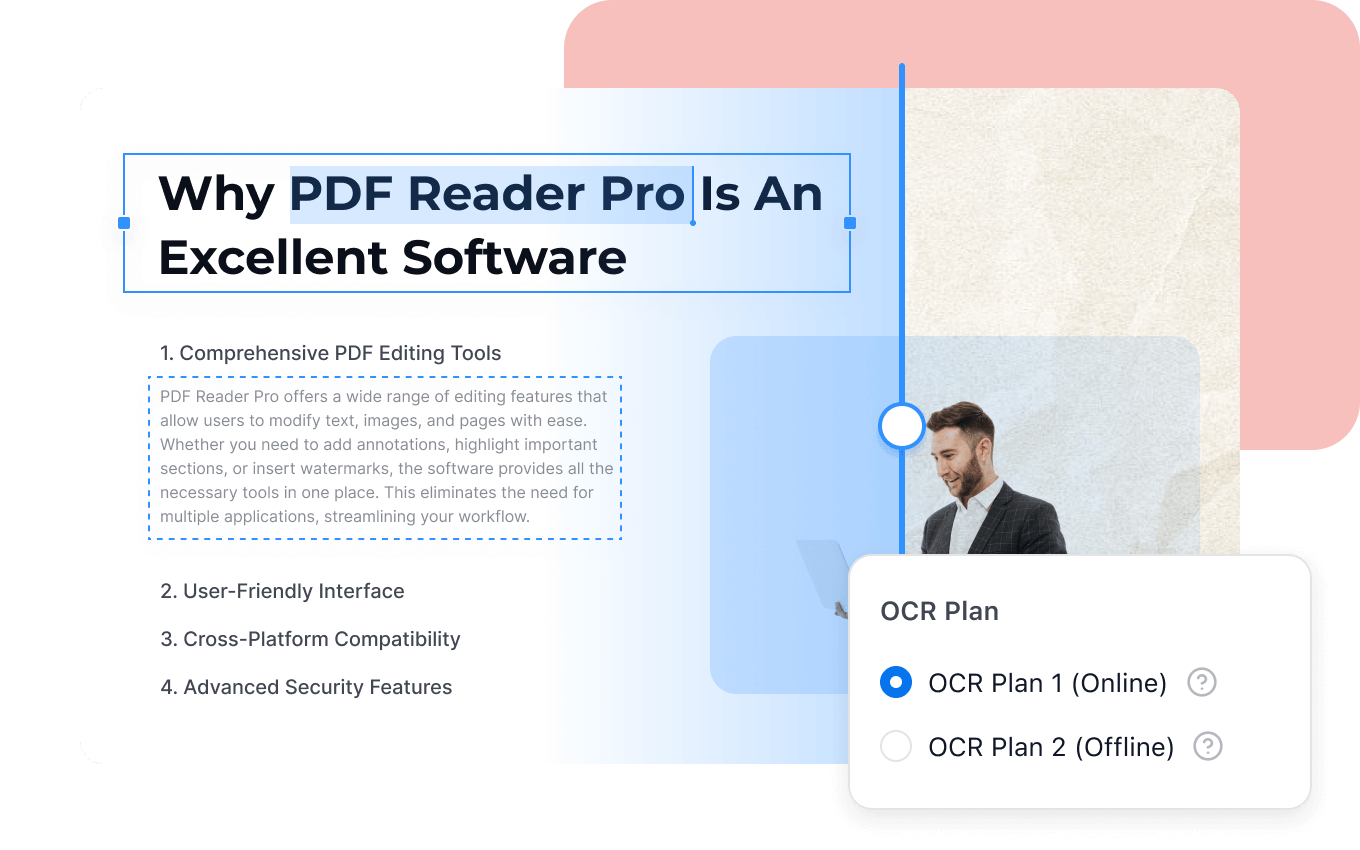
OCR
Work with scanned and image-based documents by extracting text.
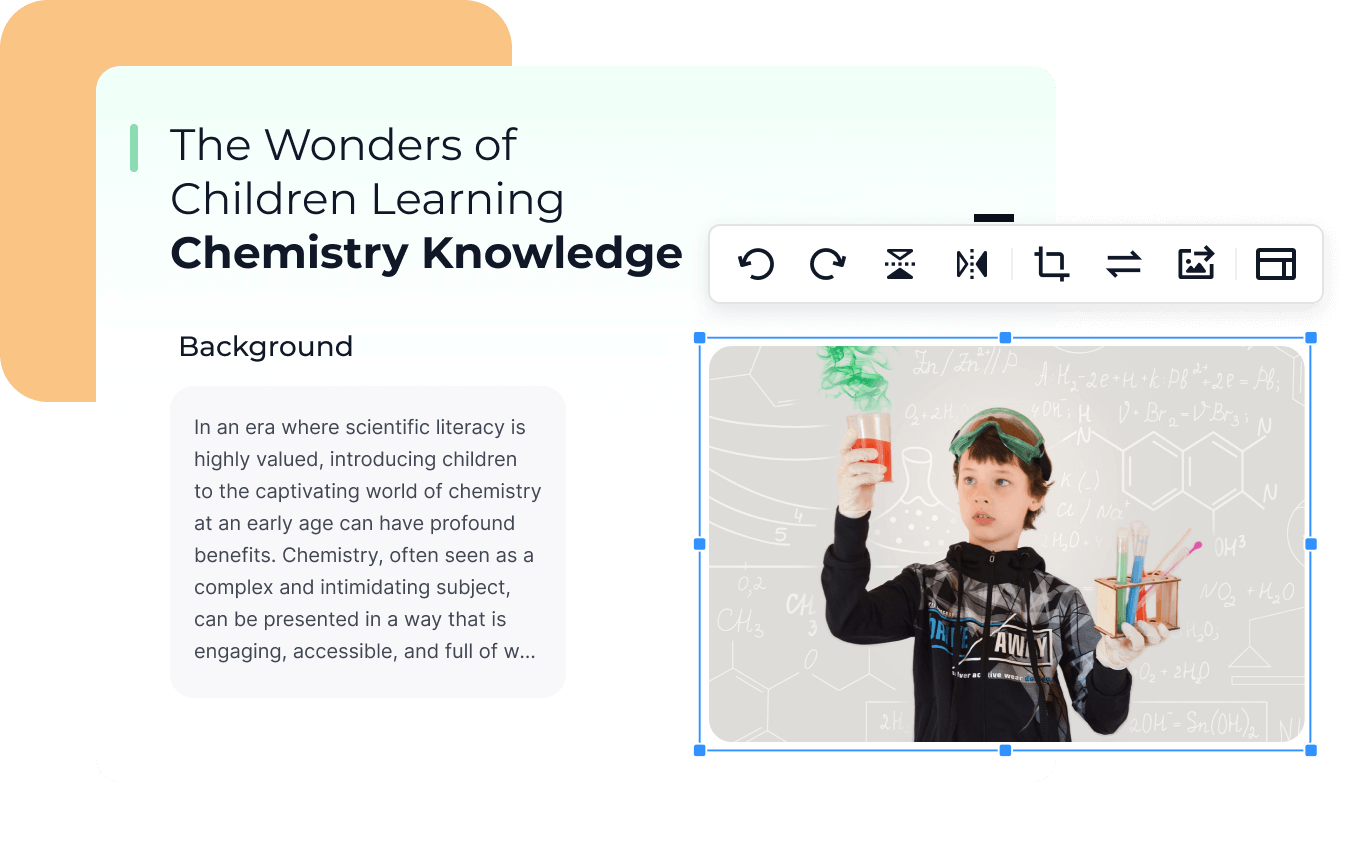
PDF Editing
Edit and work directly with elements inside PDF documents.

AI Document Workflows
Interact with information in documents using AI-assisted features.
Frequently Asked Questions
What are PDF and document tools?
PDF and document tools are software applications designed to help
users read, edit, convert, annotate, sign and manage digital
documents.
What is PDF editing software used for?
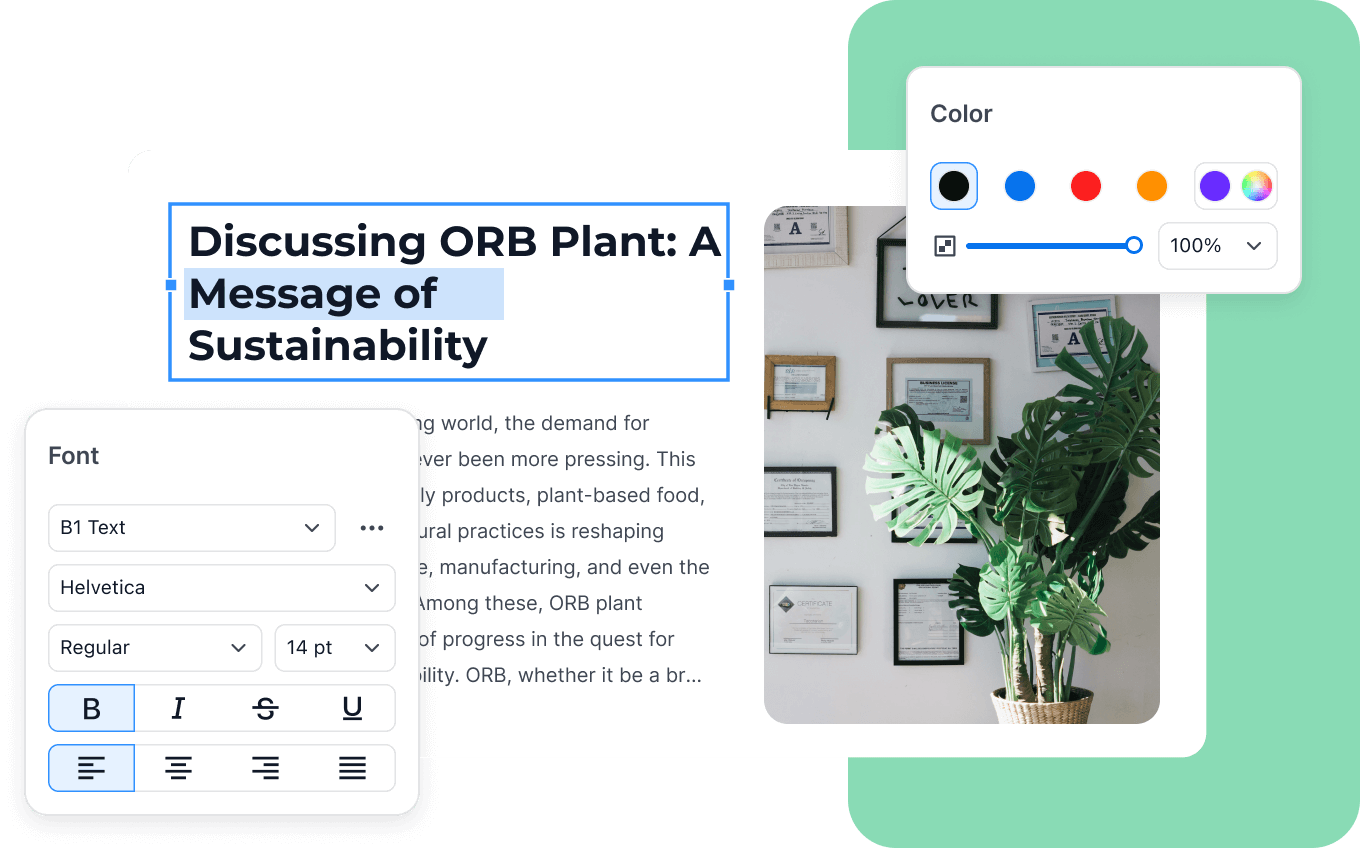
PDF editing software can be used to modify document text and elements,
add annotations, prepare forms and make changes without recreating
the original document.
What is OCR in PDF software?
OCR stands for Optical Character Recognition. It allows software to
recognize and extract text from scanned documents or image-based PDFs.
Can PDF software convert files?
Many PDF applications include conversion tools that allow documents
to be converted between PDF and other supported file formats.
Are AI PDF tools useful?
AI-powered PDF features can help users analyze documents, retrieve
information and handle repetitive document tasks, depending on the
software and plan.
What should I look for in PDF software?
Focus on the workflows you actually need, such as editing, OCR,
conversion, annotation, signatures, document security and AI
capabilities.
Explore PDF & Document Tools
Start with the featured tool below and read the full review to explore
its features, workflows and use cases in more detail.