
As AI-powered research tools become more popular, many students and researchers are searching for privacy-focused alternatives to NotebookLM. While NotebookLM by Google is powerful and easy to use, it still depends heavily on cloud processing and has limited customization.
In 2026, open-source AI tools are becoming a strong alternative—offering more privacy, offline access, and control over your data. In this guide, we’ll explore the best NotebookLM alternatives, including Reddit favorites and open-source research assistants.
Why You Need a NotebookLM Alternative in 2026?
The demand for alternative AI research tools is increasing because users want more control, flexibility, and privacy.
Data Privacy & Local Storage: Why Researchers Prefer Open Source
Many users now prefer tools that store data locally instead of uploading documents to the cloud. Open-source AI tools allow:
- Full control over sensitive files
- Offline document processing
- Reduced risk of data leaks
- No dependency on third-party servers
This is especially important for students, journalists, and researchers working with confidential information.
Customization vs. Google’s Ecosystem: Breaking Free from Restrictions
While NotebookLM integrates smoothly with Google services, it comes with limitations:
- Limited model control
- Restricted customization
- Dependence on Google’s ecosystem
Open-source alternatives allow users to modify workflows, connect different AI models, and build personalized study systems.
Don’t Miss: How to Set Gemini as Your Default Assistant on Android & Samsung Step-by-Step Guide
Top-Rated Open-Source NotebookLM Alternatives (Reddit’s Favorites)
Based on community discussions and developer recommendations, these are the most popular tools in 2026.
AnythingLLM: The Most Versatile Desktop Solution for Local RAG
AnythingLLM is one of the strongest open-source alternatives available today.
Key features:
- Runs locally on Windows, macOS, and Linux
- Supports multiple AI models (OpenAI, local LLMs, etc.)
- Document Q&A using RAG (Retrieval-Augmented Generation)
- Full privacy control
Why users love it:
- No cloud dependency
- Easy setup compared to other local AI tools
- Highly flexible for developers and students
Open Notebook: A Direct Open-Source Clone for Audio Overviews
Open Notebook focuses on replicating NotebookLM-style workflows.
Features:
- Document-based AI chat
- Note organization system
- Experimental audio-style summaries
- Open-source community support
Best for:
Users who want a NotebookLM-like experience without Google restrictions.
PrivateGPT: Best for Offline Document Analysis and Security
PrivateGPT is designed for maximum privacy.
Key strengths:
- 100% offline usage
- No internet required
- Secure document processing
- Ideal for sensitive data
Best for:
Professionals handling confidential files or research papers.
Best AI Tools for Research and Studying (Afforai & SurfSense)
Beyond open-source tools, some hybrid AI platforms also stand out.
Afforai Review: The Best AI Reference Manager for Students
Afforai is designed for academic productivity.
Highlights:
- AI-powered citation management
- Multi-document analysis
- Smart summarization
- Research organization tools
Why it stands out:
It acts like a personal research assistant, helping students manage sources and write academic content faster.
SurfSense: Turn Your Web Browsing into a Smart Knowledge Base
SurfSense transforms how users interact with the web.
Features:
- AI-powered web summarization
- Smart bookmarking system
- Real-time knowledge extraction
- Study-focused browsing experience
Best for:
Students who gather information directly from online sources.
NotebookLM vs. Open Source: Which One Should You Choose?
| Feature | NotebookLM | AnythingLLM | PrivateGPT | Afforai |
|---|---|---|---|---|
| Offline Use | ❌ | ✔️ | ✔️ | ❌ |
| Open Source | ❌ | ✔️ | ✔️ | ❌ |
| Privacy Level | Medium | High | Very High | Medium |
| Ease of Use | High | Medium | Hard | High |
| Research Tools | High | High | Medium | Very High |
| Customization | Low | Very High | Very High | Medium |
How to Set Up a Local AI Notebook (Step-by-Step Guide)
If you want to build your own private AI research system, tools like AnythingLLM can be set up easily with local AI models.
Step 1: Install a Local AI Engine
Install a local model runtime such as Ollama or similar tools.
Step 2: Install AnythingLLM
Download and install the desktop version of AnythingLLM.
Step 3: Connect Your AI Model
Link your local model or API-based model inside the app.
Step 4: Upload Documents
Add PDFs, notes, or research files.
Step 5: Start Asking Questions
Use natural language to summarize, analyze, and extract insights.
The Verdict: What is the Best Free Alternative to NotebookLM?
If you want a simple recommendation:
- Best overall open-source tool: AnythingLLM
- Best offline security tool: PrivateGPT
- Best student research assistant: Afforai
- Best web-based study tool: SurfSense
The rise of open-source AI tools is changing how students and researchers work. While NotebookLM remains a strong option, alternatives like AnythingLLM and PrivateGPT offer more freedom, privacy, and flexibility.
In 2026, the best tool is not just the most powerful—but the one that gives you control over your data and workflow.
Frequently Asked Questions (FAQ)
1. What is NotebookLM?
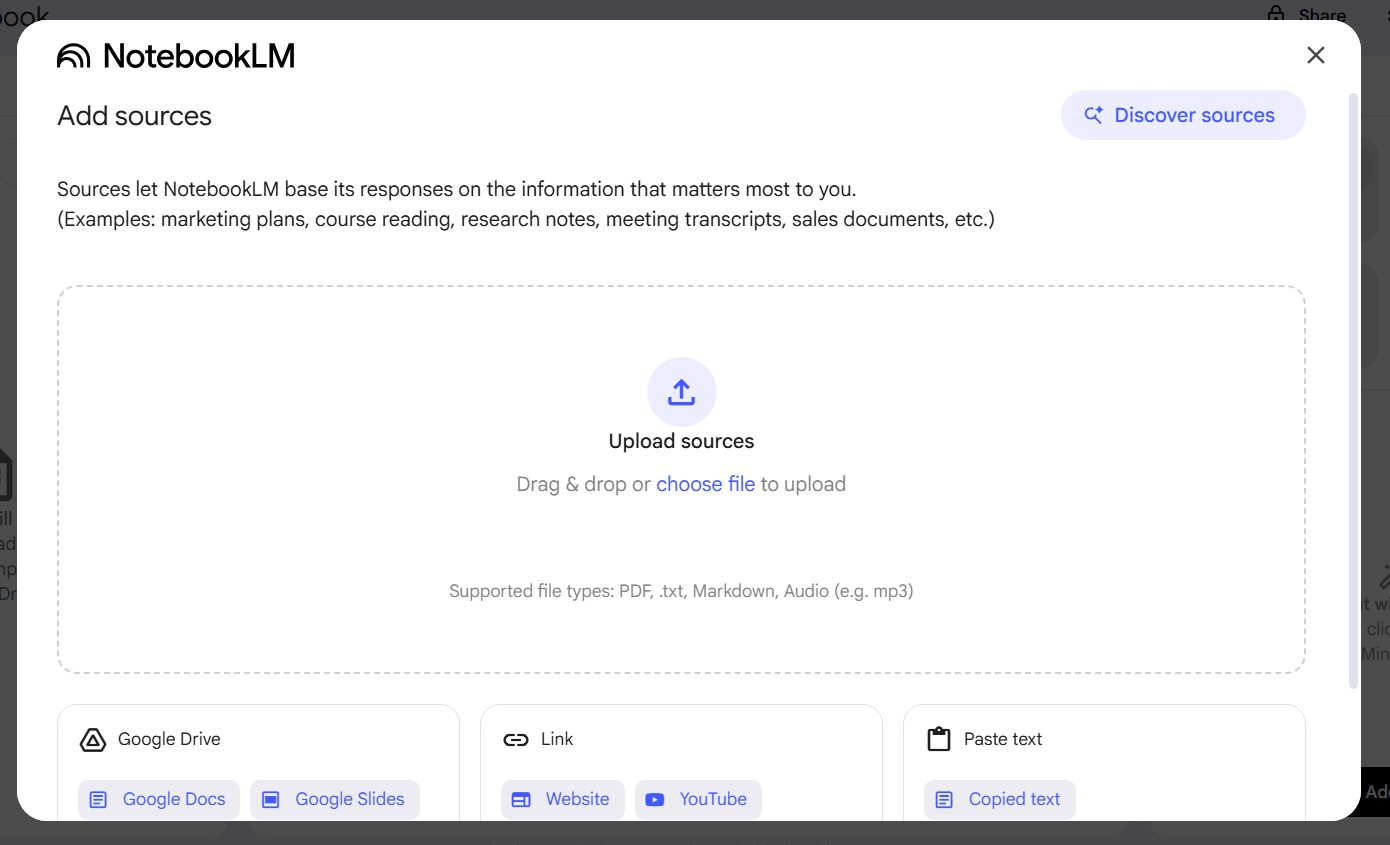
NotebookLM is an AI-powered research assistant developed by Google that helps users summarize documents, analyze notes, and answer questions based on uploaded files.
2. Why should I use a NotebookLM alternative?
You may need alternatives for better privacy, offline access, customization, or because some tools are not available in all regions.
3. What is the best open-source alternative to NotebookLM?
The most popular open-source option is AnythingLLM because it supports local AI models, document Q&A, and full data control.
4. Is AnythingLLM free to use?
Yes, AnythingLLM is open-source and free, although some advanced setups may require local AI models or APIs.
5. Can I use NotebookLM alternatives offline?
Yes, tools like PrivateGPT allow full offline usage for secure document processing.
6. What is the best tool for students?
For students, Afforai is a strong choice because it helps manage citations, summaries, and academic research.
7. Which tool is best for privacy?
PrivateGPT is considered one of the best options for privacy since it runs completely offline.
8. What is SurfSense used for?
SurfSense helps turn web browsing into a smart research system by summarizing and organizing online content.
9. Are open-source NotebookLM alternatives safe?
Yes, most open-source tools are safe if downloaded from official repositories, and they often provide better transparency than closed-source tools.
10. Do I need technical skills to use these tools?
Some tools like AnythingLLM are beginner-friendly, while others like PrivateGPT may require basic technical setup.
11. Can I use these tools for academic writing?
Yes, many students use tools like Afforai and AnythingLLM for summarizing papers, organizing research, and improving writing efficiency.
12. Which is better: NotebookLM or open-source alternatives?
NotebookLM is easier to use, but open-source tools offer more privacy, control, and customization depending on your needs.
13. Can I build my own AI notebook system?
Yes, with tools like AnythingLLM and local AI models, you can build a fully customized private research assistant.
14. Are these tools suitable for beginners?
Yes, especially AnythingLLM and Afforai, which are designed to be user-friendly.
15. What is the future of AI study tools?
The future is moving toward open-source, privacy-focused, and locally run AI systems that give users full control over their data and workflows.