
Turning a product idea into something you can actually see and test takes more than a good idea. You may need concept sketches, visual references, 3D models, prototypes, or a clear interface before you can decide what works.
AI can speed up parts of that process, but the right tool depends on what you are designing and what you need to produce. A tool for creating a 3D concept is not the same as a tool for designing an app or preparing a manufacturing model.
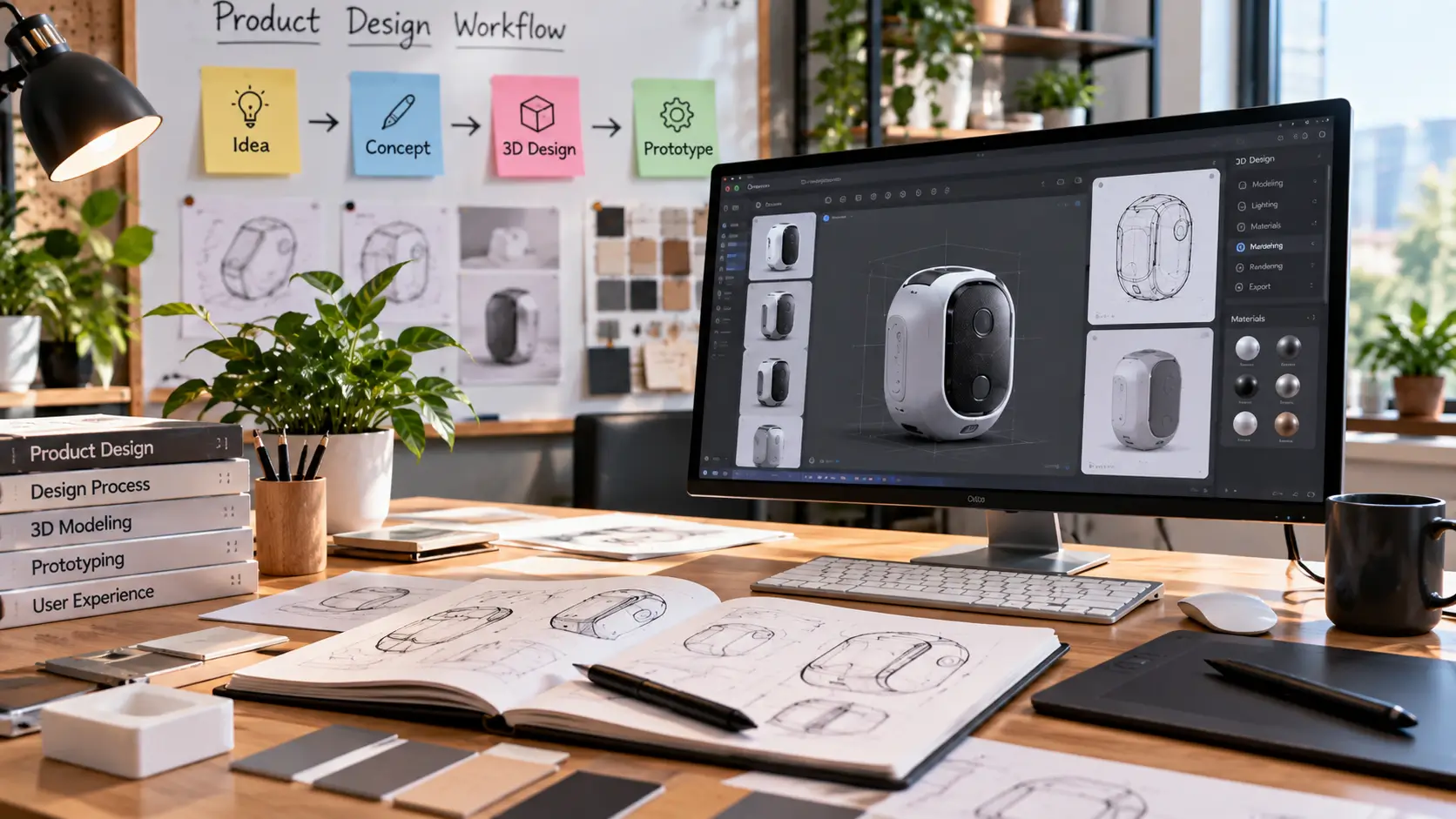
This guide explains where AI fits into product design, what each type of tool is useful for, and when you still need traditional design and testing.
Where Can AI Help in Product Design?
AI can be useful at several stages of the design process. You do not need to use AI for every stage. The goal is to use it where it reduces repetitive work or helps you explore ideas faster.
Research and Problem Definition
AI can help organize research notes, summarize information, identify patterns, and turn scattered ideas into a clearer starting point.
It should support the research rather than replace it. You still need to understand the customer, the problem, and the constraints around the product.
Concept Generation
Early design is often about exploring possibilities. AI can help generate different directions for shapes, layouts, styles, materials, or product concepts before you invest time in detailed design work.
3D Visualization
For physical products, a 3D concept can make an idea much easier to discuss. You can look at proportions, form, materials, and visual direction before moving into more detailed modeling.
For tools focused specifically on 3D and visual creation, see our AI Image & 3D tools guide.
UI and UX Prototyping
For digital products such as apps, SaaS products, and websites, AI can help generate early wireframes, interface ideas, user flows, and prototypes that can be reviewed before development begins.
Design Iteration
The first concept is rarely the final one. AI can make it easier to explore alternatives and compare directions before committing to a final design.
What Type of AI Product Design Tool Do You Need?
The easiest way to choose a tool is to start with the output you need.
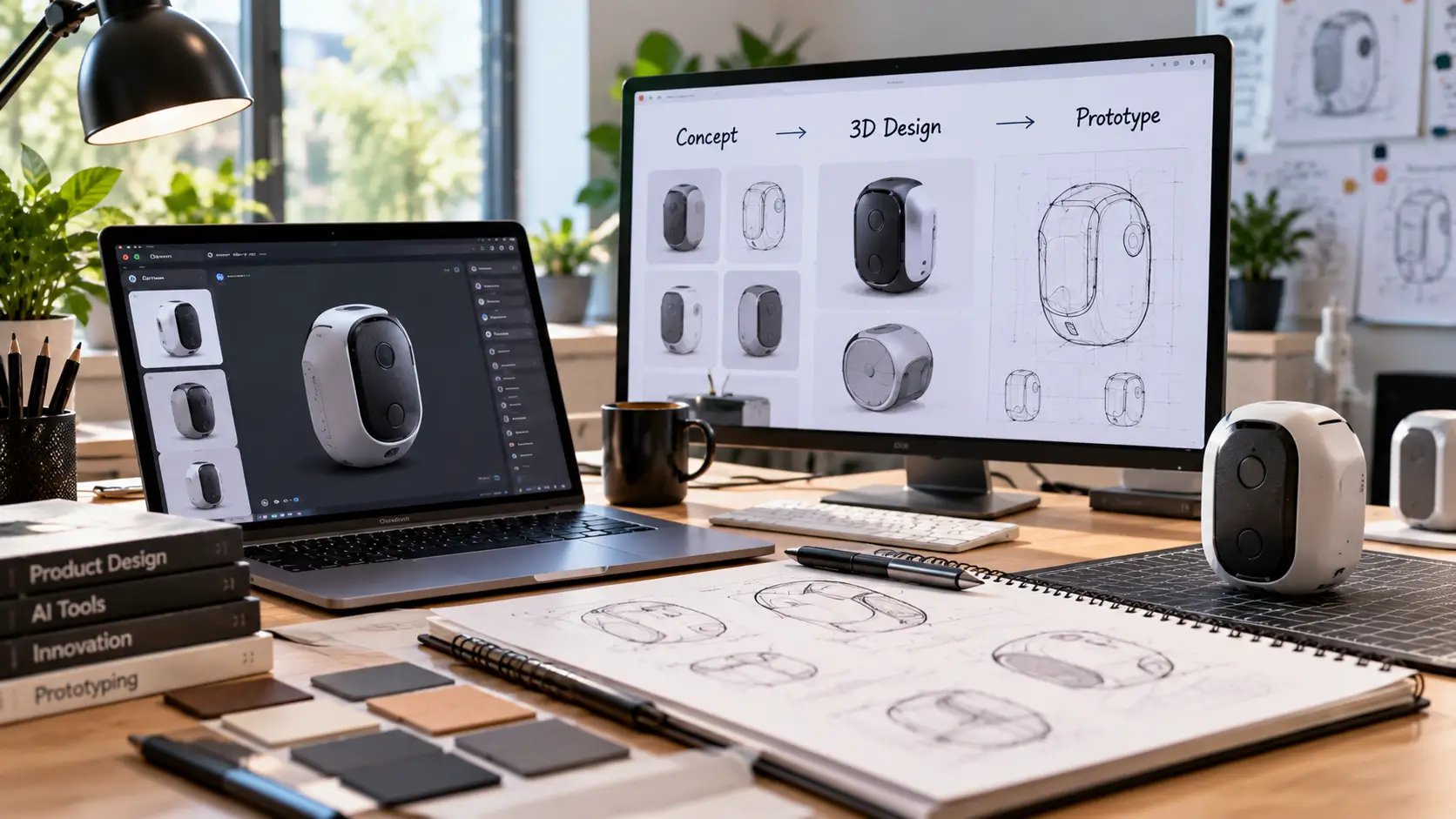
| What You Need | Look For |
|---|---|
| Explore product ideas | AI concept generation |
| Create visual references | AI image and concept tools |
| Create a 3D product concept | AI 3D generation |
| Design an app or website | AI UI/UX and prototyping tools |
| Prepare for engineering | CAD and engineering software |
A concept image, a 3D model, a clickable prototype, and a production-ready technical model are not the same thing. Choosing the tool based on the output you need can save a lot of wasted time.
AI Tools for Product Concept Generation
Concept generation is most useful when you are still deciding what the product should look like or which direction is worth developing.
What You Can Use AI For
- Exploring multiple product directions.
- Creating visual references.
- Testing different shapes and styles.
- Preparing concepts for presentations or discussions.
- Generating ideas before detailed modeling begins.
What to Watch For
The first AI-generated concept may look impressive but still be impractical. Check whether the design makes sense for the intended use before moving forward.
AI Tools for 3D Product Design
3D tools become useful when you want to move beyond a flat idea and create something that can be viewed from different angles.
Depending on the tool, you may be able to start from text, sketches, images, or references and turn them into an early 3D concept.
When an AI 3D Tool Makes Sense
- You have an idea but need a visual starting point.
- You want to compare several product forms.
- You need a concept for a presentation.
- You want to explore a design before spending more time on detailed modeling.
Want to Try an AI 3D Design Tool?
Meshy is worth testing if you want to turn an idea, sketch, or visual reference into an early 3D concept.
Meshy is best thought of as part of the early concept and visualization stage. You should still evaluate the output, refine the design, and move into the appropriate technical workflow before manufacturing.
AI Tools for UI and UX Product Design
Product design can also mean digital products. If you are building an app, website, SaaS product, or dashboard, the workflow is different from physical product design.
Useful AI Features for Digital Products
- Wireframe generation
- Interface concepts
- User flow exploration
- Prototype creation
- Rapid design variations
The main benefit is speed during the early stages. You can get an idea in front of a team or test group sooner instead of spending too long polishing something that may need major changes later.
What to Look for in a UI Design Tool
Look for enough editing and control to refine the generated work. A tool that creates a good first screen but makes later changes difficult may not fit your actual workflow.
Physical Product Design vs. Digital Product Design
The term product design covers two very different workflows, and that difference matters when choosing AI software.
Physical Products
You may need concept generation, 3D visualization, CAD, dimensions, materials, prototyping, engineering, and manufacturing validation.
Digital Products
You may need user flows, wireframes, UI design, interactive prototypes, usability testing, and developer handoff.
What AI Does Well in Product Design
Explore More Ideas in Less Time
Instead of developing one direction from the beginning, you can explore several options and eliminate weaker ideas earlier.
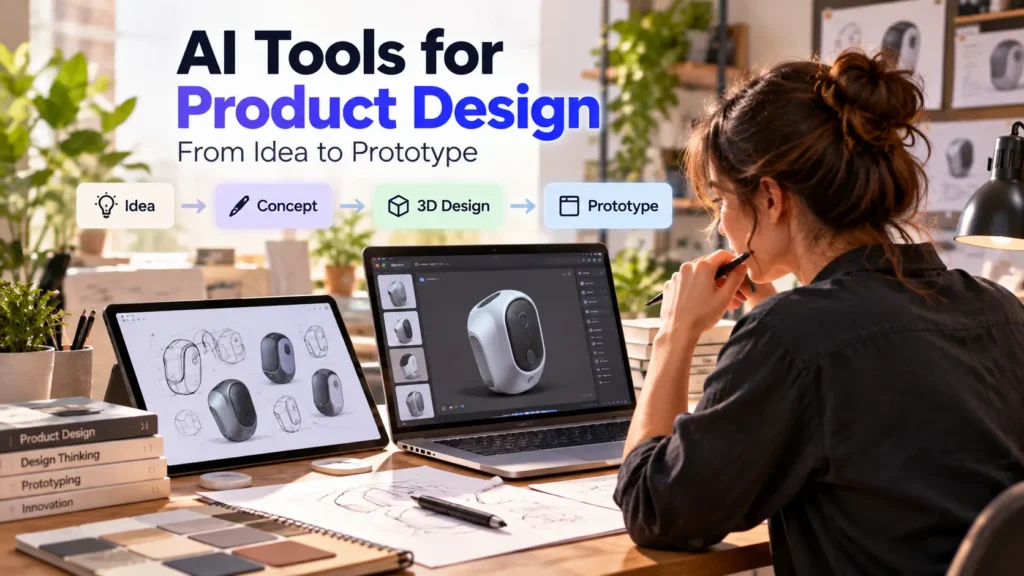
Turn Rough Ideas Into Visuals
A visual concept makes it easier to discuss a product with designers, developers, clients, or business partners.
Reduce Repetitive Early-Stage Work
Generating variations, references, and rough concepts can take time. AI can shorten that part of the process.
Support Faster Iteration
You can compare versions and test different directions before making a larger investment in one concept.
What AI Cannot Replace in Product Design
Engineering Validation
A design can look correct and still have structural, technical, or dimensional problems.
Manufacturing Decisions
Materials, tolerances, production methods, tooling, and cost all affect whether an idea can become a real product.
Real User Testing
A design should be tested with the people who will actually use it. Visual quality alone does not prove that the product solves the right problem.
Human Design Judgment
Someone still needs to decide which ideas are worth pursuing and which should be rejected.
A Practical AI Product Design Workflow
You do not need to add AI to every step. A simple workflow is usually enough.
Step 1: Define the Problem
Write down who the product is for, what problem it solves, and what the product needs to achieve.
Step 2: Explore Multiple Concepts
Use AI to generate several directions instead of committing to the first output.
Step 3: Compare the Concepts
Evaluate them based on function, user needs, appearance, feasibility, and cost.
Step 4: Build an Early Prototype
Turn the strongest idea into a visual, 3D, or interactive prototype that other people can review.
Step 5: Refine the Design
Use feedback to improve the concept instead of assuming the first AI result is good enough.
Step 6: Move Into the Proper Design Workflow
Physical products may need detailed CAD and engineering work. Digital products may need refined UI design, development, and usability testing.
How to Choose the Right AI Product Design Tool
Start With the Output
Decide whether you need an image, concept, 3D model, wireframe, interactive prototype, or technical model.
Check How Much Control You Need
If you need to make many precise changes, editing and control may matter more than how quickly the first result is generated.
Match the Tool to Your Design Stage
A tool that is excellent for brainstorming may not be suitable once you reach detailed product development.
Consider What Happens After the AI Output
Think about how you will edit, export, refine, test, or move the design into the next stage of your workflow.
Best Starting Point for Beginners
If you are new to AI-assisted product design, start with the simplest task you need to solve.
- Have an idea but no visual: Start with concept generation.
- Have a sketch: Look for tools that can develop the sketch into a clearer concept.
- Need a 3D concept: Try an AI 3D tool.
- Building an app: Look at AI UI and prototyping tools.
- Preparing for manufacturing: Move into proper CAD and engineering software.
How Small Businesses Can Use AI in Product Design
For a small business, the main value is often speed. You can explore more ideas before spending heavily on design, development, or production.
AI can also help with other parts of running the business after the product direction is clear, including content, marketing, and productivity.
See our guide to the best AI tools for small business for practical tools across those areas.
Common Mistakes to Avoid
Choosing a Tool Before Defining the Problem
Start with the design task. The most popular tool is not automatically the best fit for your workflow.
Using the First AI Output as the Final Design
Generate alternatives, compare them, and refine the strongest direction.
Confusing a Concept With a Finished Product
A convincing image or 3D model does not prove that the product is ready for manufacturing or real-world use.
Ignoring Technical Constraints
Materials, dimensions, manufacturing methods, budget, and engineering requirements still matter.
Skipping User Feedback
Test the product with real users before making major final decisions.
Frequently Asked Questions
What are AI tools for product design?
They are software tools that use AI to assist with parts of the product design process, including concept generation, visualization, 3D creation, interface design, and prototyping.
Can AI design a physical product?
AI can help create and explore physical product concepts, but the final product still requires detailed design, testing, and technical validation.
Can AI create 3D product models?
Yes. Some AI tools can generate 3D concepts from text, sketches, or reference images. The amount of editing and refinement required depends on the tool and the project.
What is the best AI tool for 3D product design?
There is no single best option for every project. The right choice depends on whether you need fast concept generation, editable 3D work, visualization, or a more technical workflow.
Can AI replace a product designer?
No. AI can speed up parts of the process, but product definition, design judgment, technical decisions, testing, and validation still require human input.
Can AI be used for app and website product design?
Yes. AI can assist with wireframes, interface ideas, user flows, and early prototypes, but the designs still need to be refined and tested.
Are AI-generated product designs ready for manufacturing?
Not automatically. AI-generated concepts usually need further design, engineering, testing, and manufacturing validation before production.
Final Verdict
AI is most useful in product design when it helps you explore and evaluate ideas faster.
Use it for concept generation, visual exploration, early 3D work, or digital prototypes. Then move the strongest idea into the professional design, engineering, development, and testing process it needs.
The right question is not “Which AI tool is the best?” It is “Which part of the product design process is slowing me down?”
Once you know that, choosing the right tool becomes much easier.