

Artificial intelligence has gone from a niche technology to an everyday necessity. Whether you’re writing blog posts, editing videos, designing graphics, managing a business, studying for exams, or automating repetitive tasks, there’s an AI tool that can help you work faster and smarter. If you’re searching for the best AI tools 2026, this ultimate guide brings together the most powerful platforms available today, comparing their strengths, pricing, and ideal use cases so you can choose the right solution.
Why AI Tools Are Essential in 2026
AI is no longer just for developers or large enterprises. Freelancers, students, content creators, marketers, educators, and business owners now rely on AI every day to increase productivity and reduce manual work.
Recent industry reports show that AI adoption continues to grow rapidly across workplaces, with many organizations integrating generative AI into daily workflows for writing, coding, customer support, research, and creative tasks. Businesses that effectively use AI report significant time savings and improved efficiency, while individuals use AI assistants to simplify everyday work.
Instead of replacing people, today’s AI tools help automate repetitive tasks so users can spend more time on creative thinking, strategy, and decision-making.
This guide covers the best AI tools available in 2026, from free options to premium platforms worth paying for.
What Are AI Tools and Why Do You Need One?
AI tools are software applications powered by artificial intelligence that help users complete tasks more efficiently. Instead of manually writing, designing, researching, editing, or analyzing data, AI can assist by generating content, answering questions, creating visuals, organizing information, and automating workflows.
Popular use cases include:
- Writing articles
- Coding
- Image generation
- Video editing
- Research
- Email writing
- Presentations
- Data analysis
- Customer support
- Translation
Whether you’re an individual or a business, AI can save hours every week while improving consistency and productivity.
Pro Tip: Start with one AI tool that solves your biggest daily challenge before expanding your toolkit.
Best AI Tools for Writing and Content Creation
ChatGPT
Best for:
- Writing
- Brainstorming
- Research
- Coding
- Emails
ChatGPT remains one of the most versatile AI assistants available. It can draft blog posts, rewrite text, explain concepts, summarize documents, and help generate ideas for nearly any project.
Best for: Everyone.
Claude AI
Claude excels at long-form writing and document analysis.
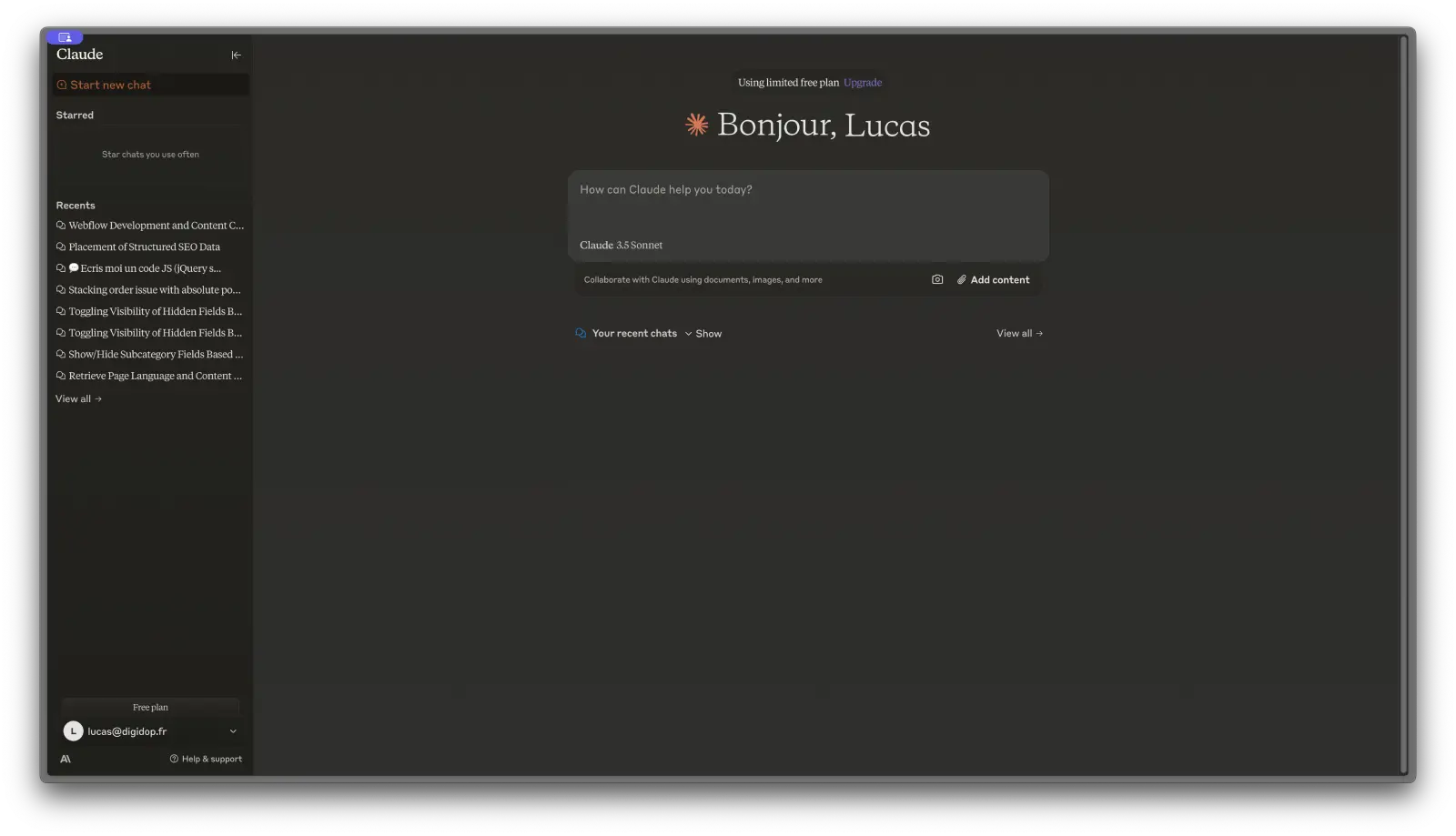
Strengths include:
- Natural writing
- Large context window
- Excellent editing
- Research assistance
Best for: Writers and researchers.
[INTERNAL LINK: how to use claude ai for content writing]
Google Gemini
Gemini integrates tightly with Google Workspace, making it especially useful for Gmail, Docs, Drive, and Sheets users.
It can summarize documents, draft emails, and analyze spreadsheets directly within Google’s ecosystem.
Grammarly AI
Beyond grammar checking, Grammarly now helps rewrite paragraphs, adjust tone, and improve clarity.
Perfect for:
- Students
- Professionals
- Bloggers
Jasper AI
Designed primarily for marketing teams, Jasper specializes in:
- SEO articles
- Product descriptions
- Landing pages
- Advertising copy
Pro Tip: Combine ChatGPT for brainstorming with Grammarly for editing to create polished content faster.
Best AI Tools for Image and Video Generation
Midjourney
Produces artistic, highly detailed images with exceptional quality.
Best for:
- Concept art
- Marketing
- Illustrations
DALL·E
Integrated with ChatGPT, DALL·E generates realistic images from text prompts.
Ideal for:
- Blog images
- Social media
- Mockups
Adobe Firefly
Excellent for commercial use thanks to Adobe’s licensing approach.
Perfect for:
- Graphic designers
- Photoshop users
- Illustrator users
Canva AI
Magic Design allows users to generate presentations, social graphics, posters, and marketing materials in minutes.
Runway
One of the best AI video editors.
Features include:
- Background removal
- Text-to-video
- Motion editing
- AI effects
Pika
Creates short AI-generated videos from prompts.
Popular among:
- YouTubers
- TikTok creators
- Marketers
[INTERNAL LINK: best ai image generators free no signup]
Pro Tip: Use Canva AI for quick marketing visuals and Midjourney for premium-quality artwork.
Best AI Tools for Productivity and Work
AI is transforming office work.
Top productivity tools include:
Microsoft Copilot
Deep integration with:
- Word
- Excel
- PowerPoint
- Outlook
- Teams
Perfect for corporate environments.
Notion AI
Automatically:
- Summarizes notes
- Creates task lists
- Writes documentation
- Organizes projects
ChatGPT
Great for:
- Meeting summaries
- Brainstorming
- Reports
- Research
- Templates
how to use chatgpt for productivity
Perplexity AI
Acts as an AI-powered search engine that cites sources.
Excellent for research-heavy work.
Otter.ai
Automatically transcribes:
- Meetings
- Interviews
- Lectures
Pro Tip: Pair Notion AI with Otter.ai to automatically organize meeting notes and action items.
Best AI Tools for Students and Education
Students benefit enormously from AI when used responsibly.
Top choices include:
- ChatGPT
- Google NotebookLM
- Quizlet AI
- Grammarly
- Wolfram Alpha
- Consensus AI
- Elicit
NotebookLM is particularly useful because it answers questions based only on your uploaded notes and PDFs.
Consensus and Elicit help locate peer-reviewed academic research.
best free ai tools for students 2026
Pro Tip: Use AI to understand concepts—not to complete assignments without learning the material.
Best AI Tools for Small Business Owners
Small businesses often have limited budgets, making AI especially valuable.
Recommended tools:
- ChatGPT
- Canva AI
- HubSpot AI
- Jasper
- Microsoft Copilot
- Grammarly
- Claude
- Zapier AI
These platforms help automate marketing, customer support, content creation, scheduling, and administrative tasks.
Best Free AI Tools (No Credit Card Required)
Excellent free AI tools include:
- ChatGPT Free
- Google NotebookLM
- Perplexity
- Canva Free
- Grammarly Free
- Claude Free
- Microsoft Copilot
- Adobe Express
- Otter.ai Free
- Google Gemini
These free plans provide enough functionality for most casual users.
Pro Tip: Compare free plan limits before deciding to upgrade.
Best Paid AI Tools Worth the Money
Premium subscriptions unlock:
- Faster models
- Larger usage limits
- Advanced reasoning
- Better collaboration
- Additional integrations
Worth considering:
- ChatGPT Plus
- Claude Pro
- Gemini Advanced
- Midjourney
- Jasper
- Microsoft Copilot Pro
- Runway Unlimited
Choose a paid plan only if AI has become a daily part of your workflow.
Pro Tip: Many services offer free trials or money-back guarantees—test them before committing.
How to Choose the Right AI Tool for Your Needs
Ask yourself:
- What problem am I solving?
- Do I need writing, images, coding, or research?
- Is a free version enough?
- Does it integrate with my existing apps?
- Is privacy important?
- Will I use it daily?
The “best” AI tool depends entirely on your workflow.
Pro Tip: Don’t pay for overlapping tools that perform nearly identical tasks.
AI Tools Comparison Table 2026
| Tool | Best For | Free Plan | Platform |
|---|---|---|---|
| ChatGPT | Writing & Productivity | Yes | Web, Mobile |
| Claude | Long-form Writing | Yes | Web |
| Gemini | Google Workspace | Yes | Web, Mobile |
| Microsoft Copilot | Office Productivity | Yes | Windows, Web |
| Grammarly | Editing | Yes | Web, Desktop |
| Canva AI | Design | Yes | Web, Mobile |
| Midjourney | AI Images | No | Discord/Web |
| DALL·E | Image Generation | Limited | ChatGPT |
| Runway | AI Video | Limited | Web |
| NotebookLM | Research | Yes | Web |
| Perplexity | AI Search | Yes | Web, Mobile |
| Otter.ai | Transcription | Yes | Web, Mobile |
Pro Tip: Build an AI stack where each tool serves a unique purpose instead of relying on a single platform.
Future of AI Tools What’s Coming Next
AI tools are becoming more capable, collaborative, and personalized. Key trends shaping the next generation include:
- AI agents that complete multi-step tasks with minimal supervision.
- Deeper integration with productivity suites like Microsoft 365 and Google Workspace.
- More advanced multimodal models that understand text, images, audio, and video together.
- Real-time collaboration features for teams.
- Improved personalization through memory and user preferences.
- Better support for coding, data analysis, and business automation.
At the same time, organizations are placing greater emphasis on privacy, transparency, and responsible AI use. Expect future tools to offer stronger controls over data handling and more ways to verify AI-generated information.
Pro Tip: Keep learning new AI features regularly—small updates can significantly improve your workflow over time.
FAQ
1. What is the best AI tool in 2026?
For overall versatility, ChatGPT remains a top choice thanks to its writing, coding, research, and productivity capabilities. The best tool for you depends on your specific needs.
2. Which AI tool is completely free?
Several tools offer robust free plans, including ChatGPT Free, Google NotebookLM, Perplexity, Grammarly Free, Microsoft Copilot, and Canva Free.
3. Which AI is best for students?
NotebookLM, ChatGPT, Quizlet AI, and Wolfram Alpha are excellent for studying, research, and homework support.
4. Which AI creates the best images?
Midjourney is widely known for artistic image quality, while DALL·E and Adobe Firefly are great choices for realistic and commercial-friendly visuals.
5. Is paying for AI worth it?
If you use AI every day for work or content creation, a paid subscription can provide faster responses, higher limits, and advanced features.
6. Can AI replace Google Search?
AI can summarize and explain information, but search engines remain important for finding the latest news and verifying facts.
7. Are AI tools safe to use?
Most reputable AI platforms include security measures, but you should avoid uploading confidential or sensitive information unless you understand the platform’s privacy policies.
8. Can AI help small businesses?
Yes. AI can automate customer support, marketing, scheduling, content creation, and administrative tasks, saving time and reducing costs.
9. Which AI tool is best for creating presentations?
Canva AI and Tome AI are strong choices for generating visually appealing presentations quickly.
10. How often should I update my AI toolkit?
Review your AI tools every few months. New features and services are released frequently, and a better option may become available for your workflow.
Whether you’re a student, professional, creator, or entrepreneur, the best AI tools 2026 can help you save time, improve the quality of your work, and unlock new creative possibilities. Start with the tools that solve your biggest challenges, explore their free plans, and gradually build a toolkit that matches your goals. As AI continues to evolve, staying informed and experimenting with new features will help you get the most value from this rapidly changing technology.