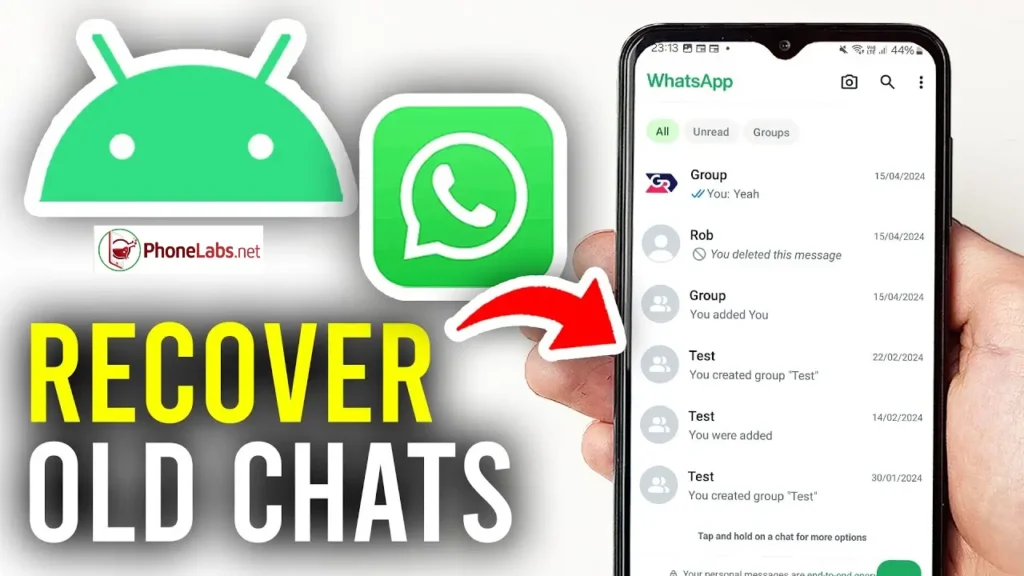

Losing important conversations on WhatsApp can be stressful, especially when those messages contain personal memories, work details, or important files. Fortunately, in most cases, deleted chats are not gone forever and can often be restored using backups or device storage. This guide will walk you through all the possible methods to recover WhatsApp messages on Android, iPhone, and even desktop, whether you have a backup or not, in a simple and practical way.
how to recover chats on whatsapp
Losing important messages on WhatsApp can happen for many reasons such as accidental deletion, reinstalling the app, switching phones, or system errors. Fortunately, there are multiple ways to restore chats depending on whether you have a backup or not.
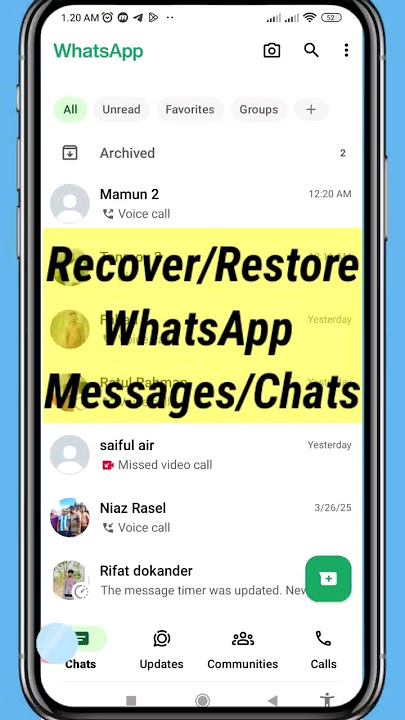
This guide explains all methods of recovery, backup, and restore for Android, iPhone, and desktop users.
WhatsApp Backup & Restore (Basic Method)
The official way to recover chats is through backups.
WhatsApp automatically saves your chats to cloud storage.
Android Backup (Google Drive)
- Open WhatsApp Settings
- Go to Chats > Chat Backup
- Backup is saved to Google Drive
iPhone Backup (iCloud)
- Go to Settings > Chats > Chat Backup
- Backup stored in iCloud
Restore Process:
- Uninstall WhatsApp
- Reinstall it
- Verify your number
- Tap “Restore” when prompted
read about: How to Set Gemini as Your Default Assistant on Android & Samsung Step-by-Step Guide
How to Restore Deleted WhatsApp Messages of One Contact
If you want to recover messages from only one person, WhatsApp does not officially support selective restore.
However, you can try:
- Restoring full backup and searching that contact
- Using notification history (Android)
- Checking exported chat files if previously saved
WhatsApp restores full backups, not single chats.
How to Restore WhatsApp Messages Without Backup
If no backup exists, recovery becomes limited.
Possible methods include:
- Checking phone notification logs
- Asking the contact to resend messages
- Using local storage recovery (Android only, limited success)
Important: Without backup, full recovery is not guaranteed on WhatsApp.
Recover Deleted WhatsApp Messages Without Backup on Android
On Android devices, you may still have local backup files:
Steps:
- Open File Manager
- Go to WhatsApp > Databases
- Look for backup files like msgstore.db.crypt14
- Reinstall WhatsApp
- Restore from local backup
This method may help recover older messages even without Google Drive backup.
How to Recover Permanently Deleted WhatsApp Messages
If messages are “permanently deleted,” recovery depends on backup availability:
If backup exists:
- Restore from Google Drive or iCloud
If no backup exists:
- Recovery is unlikely
- Third-party tools may work partially but are not guaranteed
Once overwritten, data is usually lost permanently.
How to Restore WhatsApp Messages After Backup
If you already created a backup and lost chats:
Steps:
- Uninstall WhatsApp
- Reinstall it
- Log in with same number
- Tap Restore when prompted
Make sure:
- Same phone number is used
- Same Google/Apple account is active
How to Backup WhatsApp Messages to a New Phone
When switching devices:
Android to Android:
- Backup to Google Drive
- Sign in on new phone
- Restore during setup
iPhone to iPhone:
- Backup via iCloud
- Restore on new device
Android to iPhone (or reverse):
- Use official transfer tools inside WhatsApp
- Follow migration steps during setup
How to Recover Deleted WhatsApp Messages on Desktop
On WhatsApp Desktop or Web:
- Messages are synced from your phone
- If deleted on phone, they disappear on desktop too
However:
- You can check linked device cache temporarily
- Or restore chats on phone to bring them back
WhatsApp desktop does not store independent backups.
Tips to Avoid Losing WhatsApp Chats
- Enable automatic backup daily or weekly
- Keep enough cloud storage space
- Avoid uninstalling without backup check
- Use Wi-Fi for backups
- Regularly verify backup status
Recovering chats on WhatsApp is possible in most cases if backups are enabled. Tools like Google Drive and iCloud make restoration simple, while Android local backups offer an additional recovery option.
However, without backups, recovering permanently deleted messages is very difficult or sometimes impossible.
The best protection is to always keep automatic backups enabled to avoid data loss in the future.
Frequently Asked Questions (FAQ)
Can I recover deleted WhatsApp messages?
Yes, you can recover deleted messages on WhatsApp if you have a backup on Google Drive or iCloud. Without a backup, recovery is limited.
How can I restore WhatsApp chats without backup?
If no backup exists, you may try checking local storage (Android), notification history, or asking the sender to resend messages. Full recovery is not guaranteed.
Can I recover deleted WhatsApp messages of one contact only?
No, WhatsApp does not support restoring a single chat. When you restore a backup, all chats are restored together.
How do I restore WhatsApp messages after backup?
Uninstall and reinstall WhatsApp, verify your number, and tap “Restore” when prompted during setup.
How can I back up WhatsApp messages to a new phone?
Use Google Drive (Android) or iCloud (iPhone), then log in on the new device with the same account and restore the backup during setup.
Can I recover permanently deleted WhatsApp messages?
Only if a backup exists. If messages were deleted and overwritten without backup, recovery is usually impossible.
Does WhatsApp Desktop store deleted messages?
No. WhatsApp Desktop or web mirrors your phone. If a message is deleted from the phone, it disappears from desktop too.
What is the best way to avoid losing WhatsApp chats?
Enable automatic backups, keep cloud storage active, and regularly check backup status in WhatsApp settings.