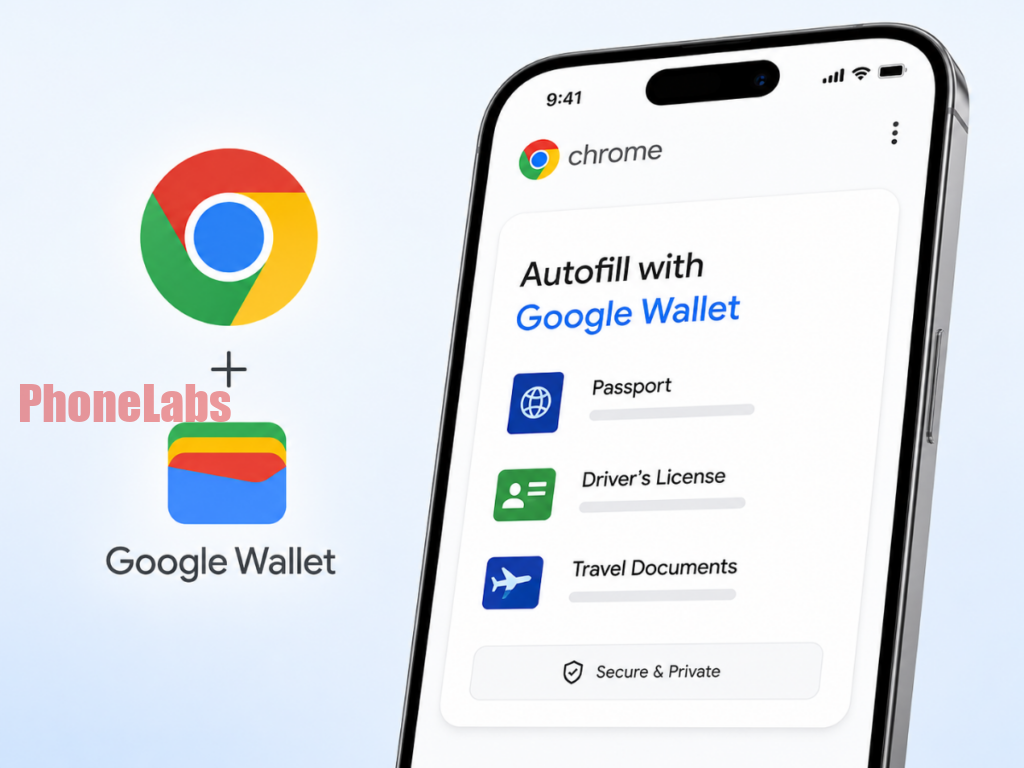

Google Chrome is rolling out a significant update for its iOS and Android mobile browsers, bringing an advanced autofill feature with deep integration into Google Wallet. This enhancement promises unparalleled convenience and robust security for sensitive identity and travel documents. Starting today via a server-side update, mobile users can now effortlessly autofill everything from passport numbers to driver’s license details, extending a capability previously exclusive to desktop versions.
This expanded functionality allows Chrome to securely store and retrieve a broader range of complex data types. Users can now expect automatic population of fields for passport numbers and their expiration dates, driver’s license particulars, crucial Known Traveler Numbers (for TSA PreCheck and Global Entry), vehicle identification numbers (VINs), license plate details, and even comprehensive flight itineraries. This diverse set of multi-character strings often forms the backbone of travel and logistics forms, dramatically boosting efficiency.
Unpacking the Enhanced Autofill: How Chrome and Google Wallet Synergize
The intelligence behind this feature lies in its seamless, two-way integration with Google Wallet, establishing it as the master directory for your digital identity documents. Chrome can pull necessary data directly from Wallet to populate web forms. Conversely, when you manually input new information into a form, Chrome intelligently prompts you to save these details directly to Google Wallet for future use, eliminating the need to maintain separate records across different applications. This unified approach streamlines document management and ensures data consistency.
Recognizing the sensitive nature of the data involved, Google has embedded comprehensive safeguards. Chrome will never automatically save or autofill highly sensitive information without explicit user consent. Furthermore, high-tier documentation is stored with strong encryption, protecting it from unauthorized access. Users retain full control, with the ability to review, update, or delete any stored data through Google Wallet settings or Chrome’s dedicated “Autofill and passwords” preferences. Private digital passes, such as state IDs, are additionally protected by independent biometric access controls, providing an extra layer of security. Users can fine-tune data storage by disabling specific autofill categories or removing individual items directly from Google Wallet.
To leverage this powerful feature, users should ensure their Chrome browser is updated to the latest version on their respective app store and that they are signed in with the same Google account linked to their Google Wallet. Once documents are stored in Wallet, Chrome will proactively offer to fill relevant web forms. Users are strongly advised to verify website legitimacy before allowing autofill. Regular Google Wallet permission reviews and device-level biometric locks are crucial for privacy and account security, as Chrome’s autofill hinges on your Google account’s protection, including two-factor authentication.
The rollout commences today via a server-side update, meaning users may not need to install a new app version immediately, though keeping Chrome updated is always recommended. This expansion brings desktop-level autofill convenience for critical documents to mobile users.
Key Features and User Management at a Glance
| Feature/Aspect | Description |
|---|---|
| Expanded Data Types | Passport, Driver’s License, Known Traveler Number, VIN, License Plate, Flight Itineraries |
| Google Wallet Integration | Two-way sync: Chrome autofills from Wallet; Chrome saves to Wallet |
| Platforms | iOS and Android mobile browsers (server-side update) |
| Security Measures | Explicit user consent, strong encryption, biometric access for sensitive IDs |
| User Controls | Review, update, delete data via Wallet or Chrome settings; disable categories |