
Missing a World Cup match because of regional streaming restrictions is frustrating, especially when you’re traveling or living abroad. The best VPN to watch World Cup 2026 from anywhere lets you securely connect to servers in different countries, giving you access to your usual streaming services while also protecting your online privacy. Whether you’re planning to watch every group-stage match or only the final, choosing the right VPN can make the difference between smooth HD streaming and endless buffering.
Why You Need a VPN to Watch World Cup 2026
The 2026 FIFA World Cup will be broadcast by different TV networks and streaming platforms around the world. Some broadcasters offer free live coverage, while others require a paid subscription or are only available in specific countries.
A Virtual Private Network (VPN) encrypts your internet connection and routes your traffic through a server in another location. This helps protect your privacy on public Wi-Fi and allows you to access services available in the country where you are connected. Always make sure your use of a VPN complies with the streaming service’s terms of use and local laws.
A quality VPN should provide:
- Fast download speeds
- Large server network
- Stable streaming performance
- Strong encryption
- Apps for Android, iPhone, Windows, Mac, Smart TVs, and Fire TV Stick
- Reliable customer support
Not every VPN performs well during major sporting events, which is why choosing a trusted provider matters.
Practical Tip: Test your VPN with your preferred streaming service a day before kickoff so you’re not troubleshooting when the match begins.
VPN #1: Best VPN to Watch World Cup 2026 from Anywhere — NordVPN
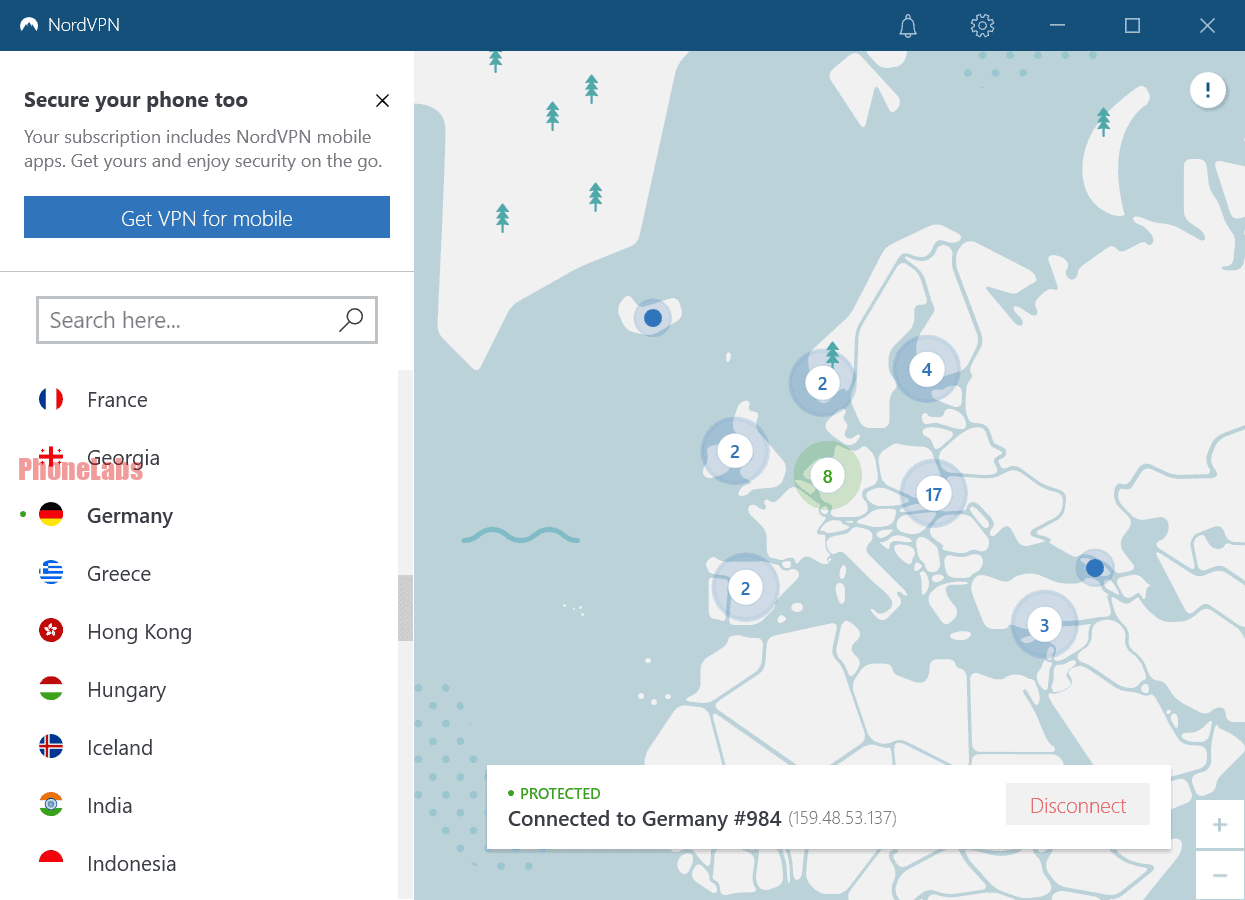
NordVPN consistently ranks among the top VPN services for streaming thanks to its speed, security, and extensive server network.
Key Features
- 7,000+ servers in 110+ countries
- NordLynx protocol for faster speeds
- AES-256 encryption
- Threat Protection against malware and trackers
- Meshnet for secure device connections
Why It’s Great for World Cup Streaming
NordVPN performs exceptionally well with HD and 4K streaming while maintaining low latency. Its large server network makes it easier to find a fast connection even during high-traffic sporting events.
Pros
- Excellent streaming performance
- Fast connection speeds
- User-friendly apps
- Supports multiple simultaneous devices
Cons
- Premium pricing compared to some competitors
Practical Tip: Enable the NordLynx protocol in Settings for the best balance of speed and security.
VPN #2: ExpressVPN — Fastest Speeds
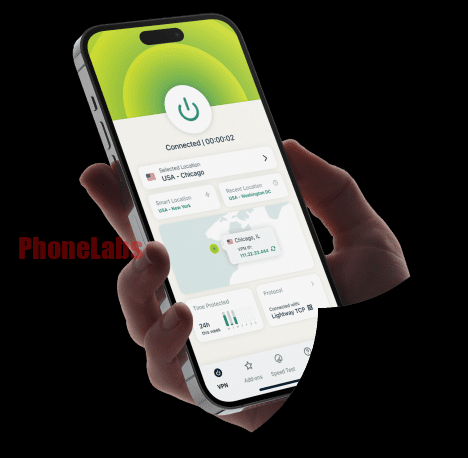
ExpressVPN is well known for its consistently fast performance and reliable connections.
Key Features
- Servers in over 100 countries
- Proprietary Lightway protocol
- RAM-only TrustedServer technology
- Split tunneling
- Built-in Network Lock (Kill Switch)
Why It Stands Out
ExpressVPN delivers excellent streaming quality with minimal buffering, making it a favorite for live sports.
The apps are nearly identical across Windows, Mac, Android, iPhone, Apple TV, and routers.
Pros
- Extremely fast
- Easy setup
- Reliable global coverage
- Strong privacy protections
Cons
- Higher monthly cost
Practical Tip: Connect to your desired server a few minutes before the match starts to avoid possible congestion.
VPN #3: Surfshark — Best Budget Option
Surfshark offers premium features at a lower price than many competitors.
Key Features
- Unlimited simultaneous connections
- WireGuard protocol
- CleanWeb ad blocker
- MultiHop connections
- NoBorders mode
Why It’s Worth Considering
Families or users with multiple devices benefit from unlimited device support under one subscription.
Performance is strong enough for HD and most 4K streams.
Pros
- Affordable pricing
- Unlimited devices
- Fast servers
- Beginner-friendly apps
Cons
- Some servers may perform better than others during peak demand
Practical Tip: If a server feels slow during a live match, switching to another nearby server often improves performance.
VPN #4: CyberGhost — Best for Beginners
CyberGhost focuses on simplicity while still offering solid streaming performance.
Key Features
- 11,000+ servers worldwide
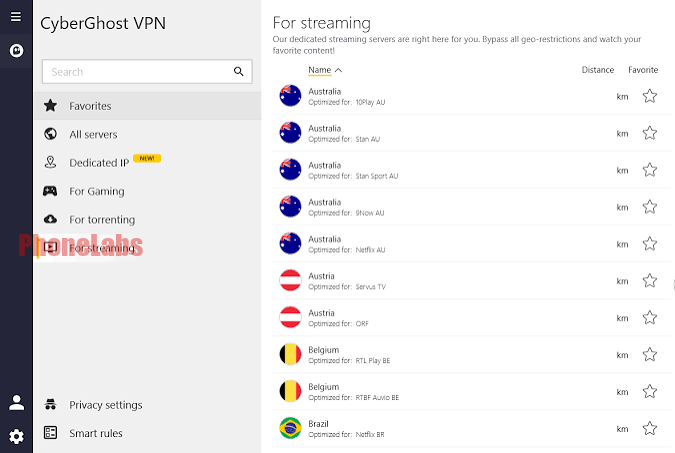
- Dedicated streaming-optimized servers
- One-click connection
- Automatic kill switch
- 45-day money-back guarantee on longer plans
Why Beginners Like It
CyberGhost labels servers based on their intended use, making it easy to find options optimized for streaming.
Its interface is clean, and setup usually takes just a few minutes.
Pros
- Very easy to use
- Excellent server selection
- Long refund period
- Good streaming speeds
Cons
- Fewer advanced customization options
Practical Tip: Use CyberGhost’s streaming-optimized servers whenever available instead of choosing a standard location.
VPN #5: ProtonVPN — Best Free Option
For users who don’t want a paid subscription immediately, ProtonVPN offers one of the best free VPN plans available.
Key Features
- No data limits on the free plan
- Open-source applications
- Strong privacy protections
- Secure Core architecture
- Based in Switzerland
Free Version Limitations
The free plan includes fewer server locations and may not always deliver the speeds needed for high-quality live sports.
The paid version unlocks significantly better performance.
Pros
- Truly free plan
- Excellent security
- No advertisements
- Transparent privacy practices
Cons
- Limited free servers
- Streaming performance is better on paid plans
Practical Tip: If you’re relying on the free version, connect well before kickoff to secure a stable server.
How to Set Up a VPN for World Cup Streaming Step-by-Step
Getting started only takes a few minutes.
Step 1
Choose a reputable VPN provider.
Step 2
Download the app for your device.
Step 3
Sign in.
Step 4
Connect to a server in the country where your preferred streaming service is available.
Step 5
Open your streaming platform.
Step 6
If you experience buffering:
- Switch servers
- Restart the streaming app
- Restart the VPN connection
- Check your internet speed
Practical Tip: A wired Ethernet connection is usually more stable than Wi-Fi for watching important matches in 4K.
Which Countries Have Free World Cup Streaming?
Depending on broadcasting agreements, some countries traditionally offer free-to-air coverage of major international football tournaments through public broadcasters.
Examples have included:
- United Kingdom
- Australia
- Belgium
- Switzerland
- Austria
Broadcast rights can change before the tournament, so always check your local broadcaster’s schedule and availability. Access to these services may depend on your location and the platform’s terms.
Practical Tip: Confirm your preferred broadcaster’s schedule a few days before the tournament begins so you know exactly where to watch.
Comparison Table: Best VPNs for World Cup 2026
| VPN | Best For | Servers | Devices | Free Version | Streaming Performance |
|---|---|---|---|---|---|
| NordVPN | Overall performance | 7,000+ | 10 | No | Excellent |
| ExpressVPN | Fastest speeds | 100+ countries | 8 | No | Excellent |
| Surfshark | Budget users | 100+ countries | Unlimited | No | Very Good |
| CyberGhost | Beginners | 11,000+ | 7 | No | Very Good |
| ProtonVPN | Free users | Limited on free plan | 1–10 depending on plan | Yes | Good (Better on paid) |
Each VPN offers strong security and supports popular operating systems, but the right choice depends on your budget, number of devices, and streaming needs.
Practical Tip: If you’ll be watching the tournament across multiple devices, compare simultaneous connection limits before subscribing.
FAQ: VPN for World Cup 2026
1. What’s the best VPN to watch World Cup 2026 from anywhere?
NordVPN is a strong all-around choice thanks to its fast speeds, extensive server network, and consistent streaming performance. ExpressVPN is another excellent option if speed is your highest priority.
Practical Tip: Take advantage of money-back guarantees to test performance with your devices before committing long term.
2. Can I use a free VPN to watch the World Cup?
You can, but free VPNs often have slower speeds, limited server choices, and fewer features. Premium services generally provide a smoother experience for live sports.
Practical Tip: If you choose a free VPN, test it well before match day to see if it meets your expectations.
3. Will a VPN slow down my internet?
Any VPN adds some overhead, but high-quality providers usually maintain enough speed for HD and even 4K streaming when connected to a nearby server.
Practical Tip: Select the closest available server that supports your viewing needs for the best performance.
4. Can I watch on my Smart TV?
Yes. Most leading VPN providers offer apps for Android TV, Fire TV Stick, Apple TV, or support installation on compatible routers.
Practical Tip: Installing the VPN on your router can protect every compatible device connected to your home network.
5. Is using a VPN for streaming legal?
VPN use is legal in many countries, but laws vary by jurisdiction. Using a VPN does not change the terms of service of streaming platforms, so check both your local laws and the streaming provider’s policies before using one.
Practical Tip: Review the VPN provider’s support guides for your specific streaming device to simplify setup.
Whether you’re traveling, using public Wi-Fi, or simply want a more secure connection while following the tournament, the best VPN to watch World Cup 2026 from anywhere should combine fast speeds, reliable servers, strong security, and easy-to-use apps. NordVPN offers the best overall balance, ExpressVPN delivers exceptional speed, Surfshark provides excellent value, CyberGhost keeps things simple for beginners, and ProtonVPN is a solid starting point for users looking for a free option.